.png)
10 Best Alternatives to Typeform for Lead Generation 2026
Typeform is easy to get started with, thanks to its clean interface and familiar flow that work well for early campaigns. But as marketing funnels grow and performance starts to matter, design alone stops being enough. What really makes a difference is how well a tool supports your workflow, adapts to new requirements, and helps you turn interactions into qualified leads.
Typeform vs Alternatives
When comparing tools, it helps to look beyond features and focus on how each platform fits into your overall online form builder marketing setup, from capturing leads to integrating with your existing workflows.
Ratings are based on user reviews collected from the G2 platform.
Why Marketers Look for Alternatives to Typeform
Typeform is easy to pick up and widely used, which is why many teams start there. The shift happens later, when performance starts to matter. As soon as you begin optimizing funnels and tracking results, certain limitations become harder to work around, pushing teams to explore alternatives to Typeform.
Limitations of Typeform for lead generation
Pricing is often the first issue teams run into. Typeform works at low volumes, but its limits become noticeable quickly. The free plan allows only 10 responses per month, which is rarely enough for active campaigns, while paid plans start at around $25–29 per month with limits of roughly 100 responses. For teams generating hundreds of leads, costs can rise fast, and even small increases in cost per lead add up.
Plan restrictions add friction. Features like advanced logic or deeper customization are often locked behind higher tiers, which slows down testing and makes iteration more expensive.
The bigger gap is in marketing functionality. Typeform is a strong form builder, but it’s not designed for structured lead qualification or conversion-focused flows. Compared to other Typeform competitors, it often requires extra tools to reach the same level of control.
When a Typeform alternative makes more sense
As lead volume grows, simple setups stop working. You’re no longer just collecting contacts. You’re filtering, segmenting, and prioritizing leads based on intent.
This is where more advanced solutions become a better fit, especially for teams running campaigns at scale.
Integrations also become essential. Leads should move directly into your CRM or marketing tools, trigger follow-ups, and support lead nurturing without manual work. Any delay affects conversion.
There’s also a shift toward more interactive formats. Marketing quizzes and guided flows create more personalized experiences and often outperform static forms.

What Makes a Good Typeform Alternative
Not every form tool is built for marketing workflows. With so many tools like Typeform now available, the deciding factor is rarely design — it’s how well they handle qualification and routing. The difference comes down to control: you need to shape the user journey, capture useful data, and connect everything to your stack. Tools that support this tend to perform better over time.
Key features to look for
Format has a direct impact on performance. Conversational form tools guide users step by step, which tends to increase completion rates compared to traditional layouts.
What actually matters in practice:
- Conversational flow – Step-by-step interaction that keeps users engaged and reduces drop-offs.
- Conditional logic – Dynamic paths based on answers, so users only see relevant questions.
- Integrations – Direct connections with CRM, email tools, and analytics platforms.
- Analytics – Clear visibility into drop-offs, conversion points, and funnel performance.
Lead generation capabilities
Strong lead generation forms are designed to capture the right level of detail without creating friction. This includes flexible input fields and a structure that balances user effort with the value of the data collected.
Lead qualification is where real value comes in. By segmenting users based on their answers, you can prioritize high-intent leads and tailor your follow-up strategy.
Integration with marketing tools is just as important. Data can sync automatically with your CRM, so follow-ups start immediately.
Finally, tools that support interactive forms for marketing give you more control over how users engage with the flow, which often leads to better conversion outcomes.
Best Alternatives to Typeform for Lead Generation
Different tools serve different needs. Some focus on basic collection, while others handle qualification and follow-up. Below, we’ll look at the best alternatives to Typeform for lead generation and how they compare in lead quality, integrations, and post-submission effort.
1. Marquiz

The way answers are handled shapes both the flow and the data you get:
- Answers are not just stored, they determine how the flow continues
- Different paths are created based on user intent, budget, or needs
- By the time contact details are submitted, the lead already includes context
- Each response leads to relevant follow-up questions, offers, or outcomes
- The interaction feels more conversational than a fixed form
- Collected data is structured and sent directly to CRM and email tools
It moves things beyond just collecting contacts and gives you a clearer picture of each lead, so your next step isn’t based on guesswork..
2. Tally
Tally is built for speed and simplicity. The interface feels closer to Notion than a traditional form builder, which makes it easy to get started. You can type out questions, structure the flow, and publish in minutes.
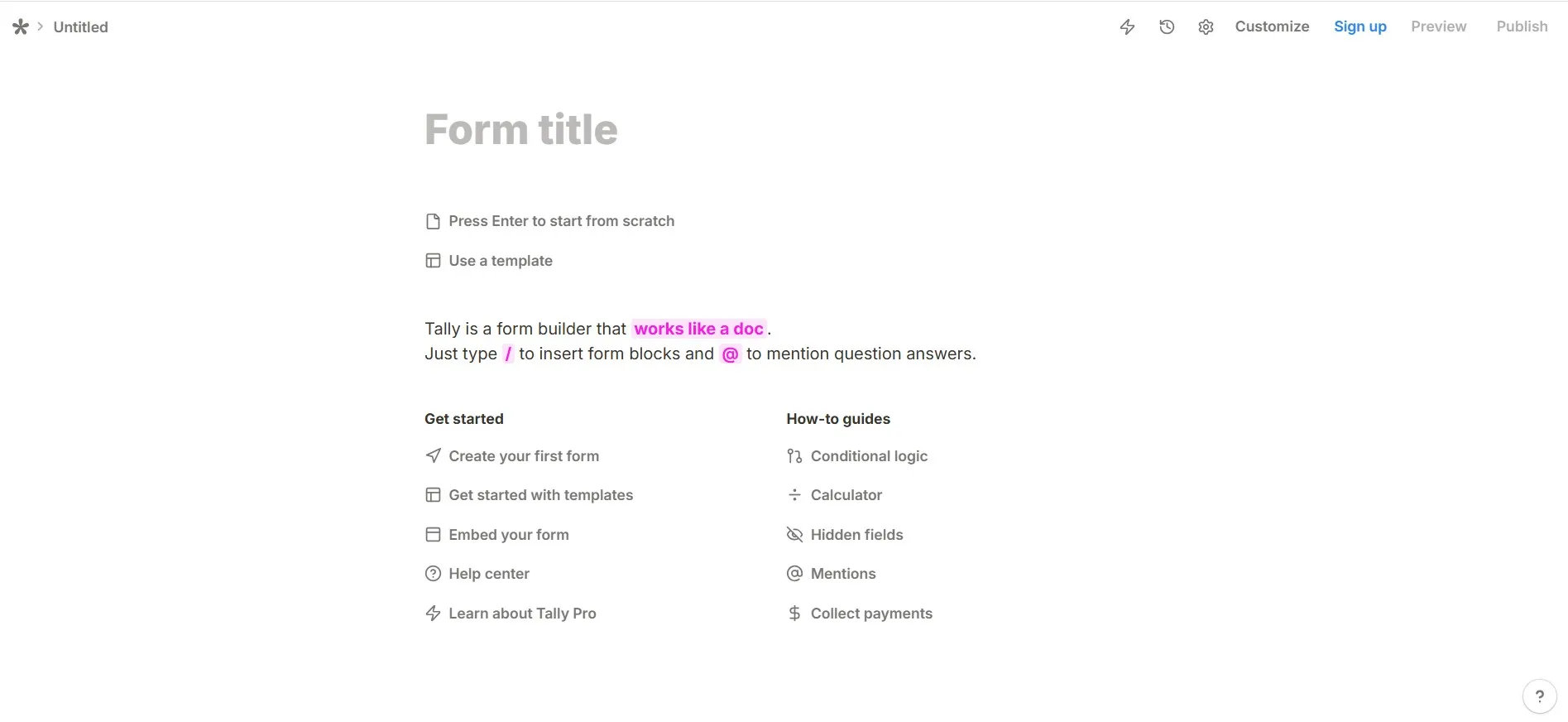
This simplicity defines both what the tool does well and where it has limits:
- Very little setup required, with no need to manage layouts or complex settings
- Suitable for quick launches, internal tools, or basic lead capture
- Covers essential functionality without additional overhead
- Includes a free plan, making it a Typeform alternative free of strict limits
- Supports conditional logic, but with limited segmentation and control
- As needs grow or focus shifts to lead quality, more flexibility may be required
This makes Tally easy to start with, but more limited as workflows become more complex.
3. Google Forms
Google Forms is the most straightforward option on the list. It’s completely free, requires no setup, and works right away, making it one of the fastest tools to launch.
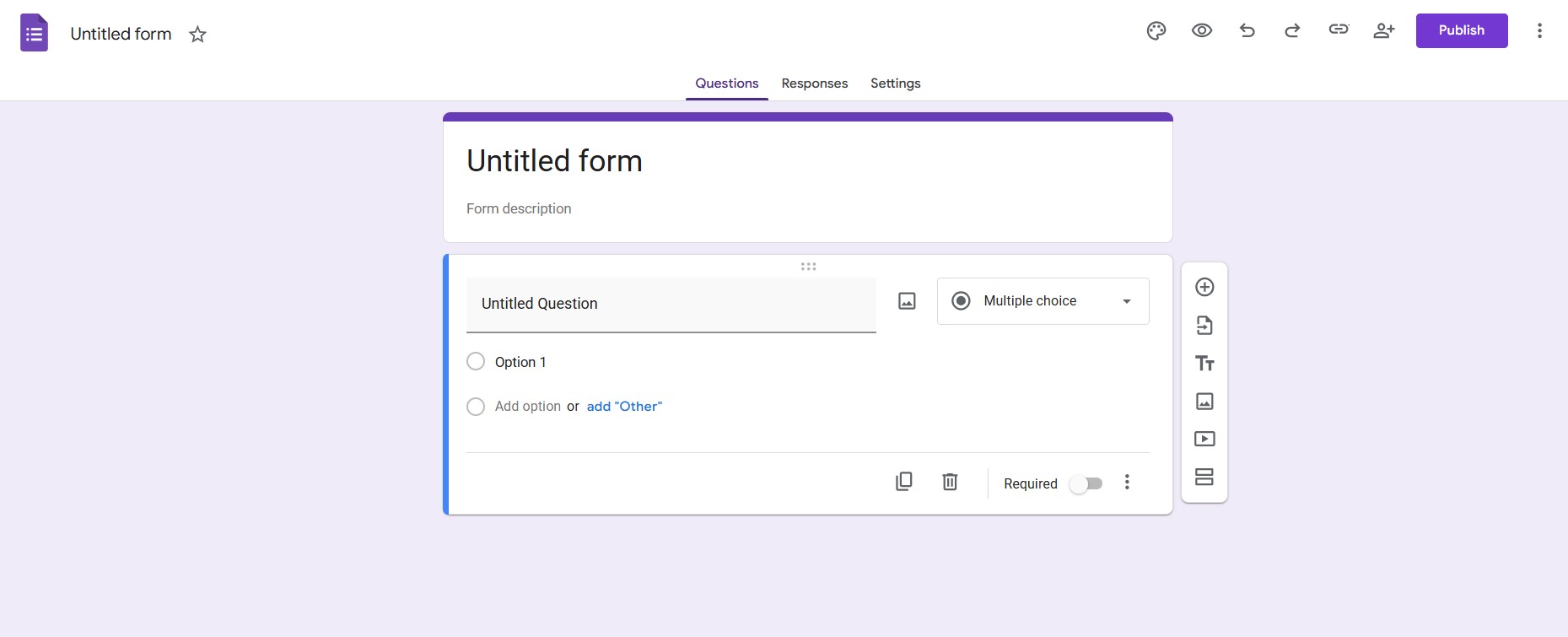
The tool focuses on basic functionality without additional layers:
- The interface is simple and familiar
- Forms can be created, structured, and shared in minutes
- Works well for surveys, internal use, or quick feedback collection
- Customization options are limited
- Supports basic question types and simple branching
- Lead qualification and segmentation typically require additional tools
As a result, it fits simple use cases but offers limited control for more advanced or personalized scenarios.
4. Jotform
Jotform is a flexible form builder for lead generation with a wide range of features. One of its main strengths is the template library, with thousands of pre-built forms you can adapt to different use cases, which speeds up setup.
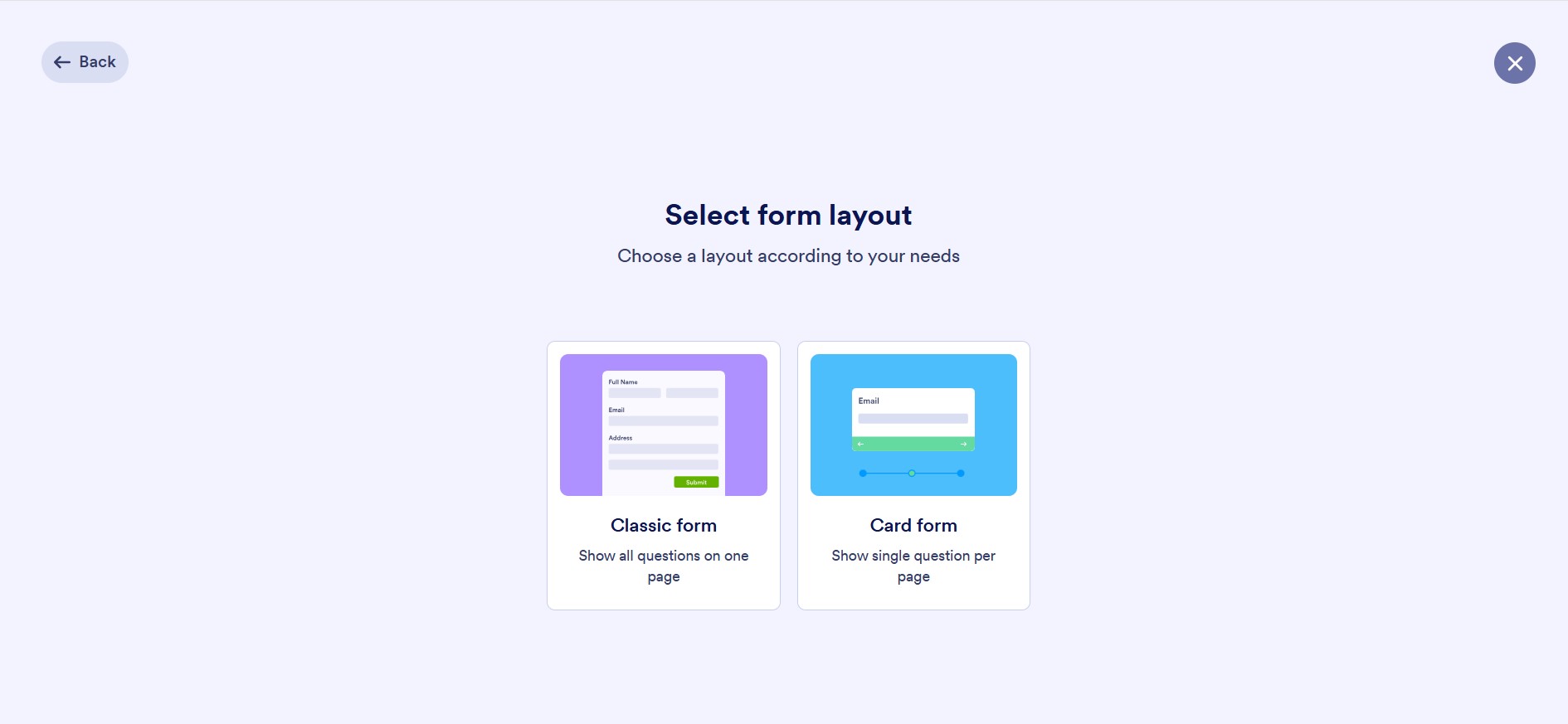
Its features are centered around range of tools and built-in options:
- Large template library with thousands of pre-built forms
- Templates can be adapted to different use cases
- Supports automation through workflows and notifications
- Integrates with other tools and systems
- Allows payment collection within forms
Jotform’s depth is both its strength and its weak point: if you only need a quick lead form, you’ll spend more time navigating settings than building it. It makes more sense when you actually need templates, integrations, or multi-step processes, but for simple use cases it often feels heavier than necessary.
5. Paperform
Paperform is a nice Typeform alternative for conversational forms with a strong focus on design. You can build forms that resemble landing pages, with control over layout, branding, and content structure. It’s a practical choice when visual consistency with your site or campaign is important.
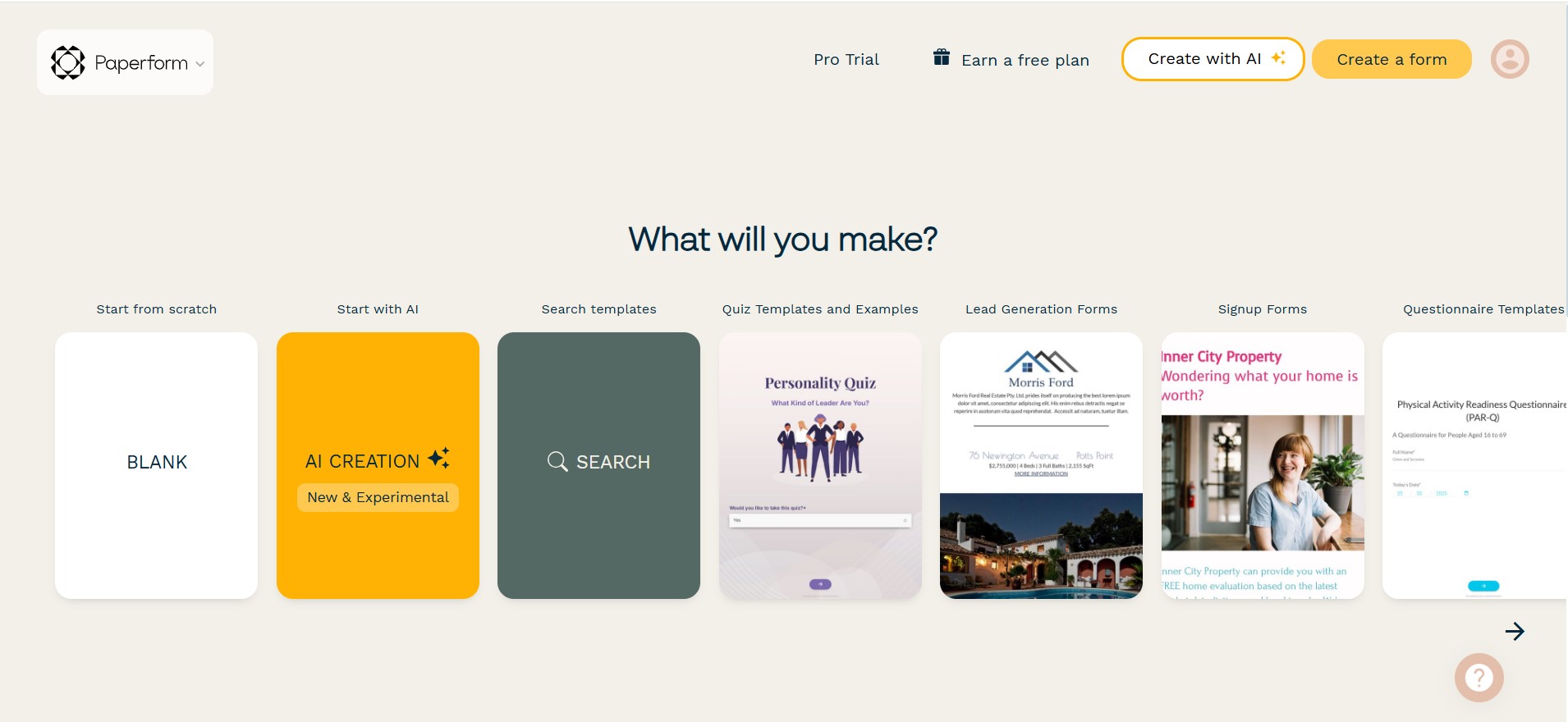
Beyond layout, the form adjusts based on user input:
- Supports conditional logic to change the path based on user input
- Includes calculations for more dynamic interactions
- Uses dynamic elements to adapt content within the form
- Keeps setup relatively simple despite added interactivity
Paperform is still a form builder at its core. It handles interactive and design-heavy forms well, but doesn’t go as far in advanced lead qualification or more complex funnel logic.
6. Makeforms
Makeforms approaches conversational forms from a more structured angle. It focuses on building flows with conditional logic and dynamic steps, so the path changes based on user input. The result is a more controlled, step-by-step experience.
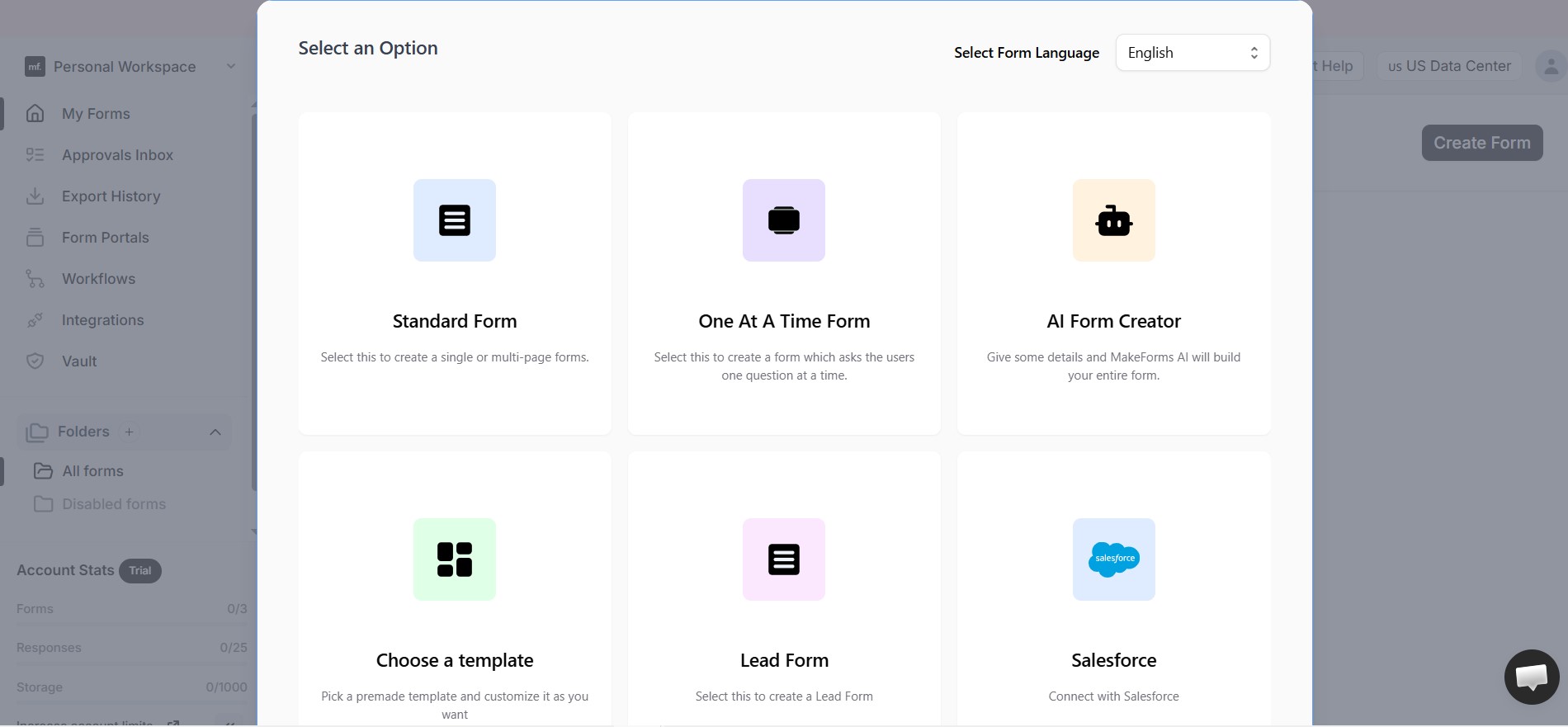
The setup is designed to manage structured interactions and automation:
- Uses conditional logic to adjust the path based on user input
- Builds step-by-step flows with dynamic transitions
- Includes built-in automation to send collected data to external tools
- Keeps data in sync without additional manual work
- Adds customization options within the form-building process
It supports adaptable paths, but does not reach the level of dedicated tools for advanced lead qualification or full multi-step funnel systems.
7. SurveyMonkey
SurveyMonkey is built for research rather than lead generation. It’s widely used for surveys, feedback collection, and analyzing responses at scale. At the same time, it can capture contact details alongside structured responses, especially in research-driven campaigns.
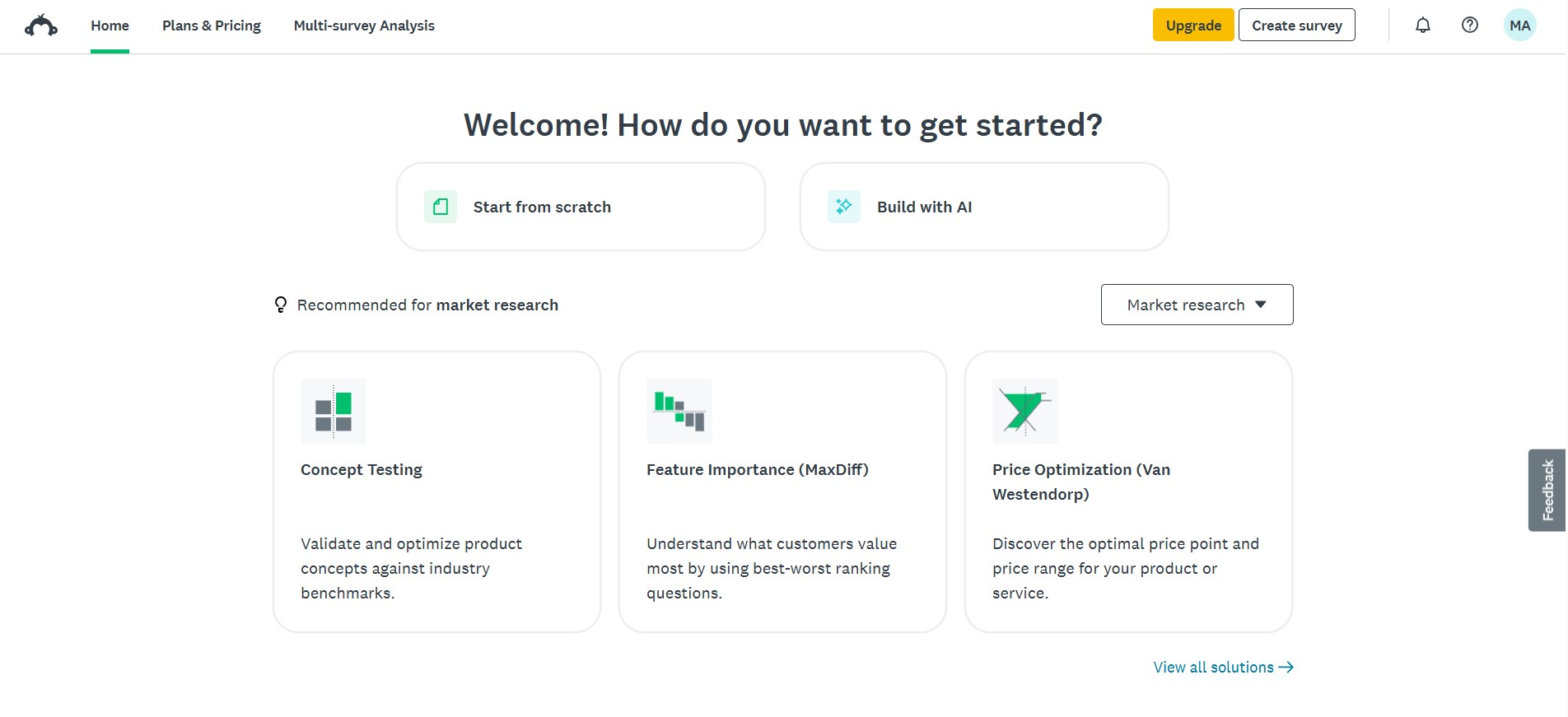
Its strength lies in how it processes and analyzes responses:
- Allows creation of detailed questionnaires
- Handles large volumes of responses efficiently
- Provides structured insights through built-in reporting tools
- Helps identify trends and understand user behavior
For funnel-based use cases, it feels less aligned, with limited support for deeper lead qualification or segmentation.
8. Formstack
Formstack is built for teams that need more than basic form creation. It’s an enterprise-grade solution designed for structured workflows, compliance, and data management across systems.
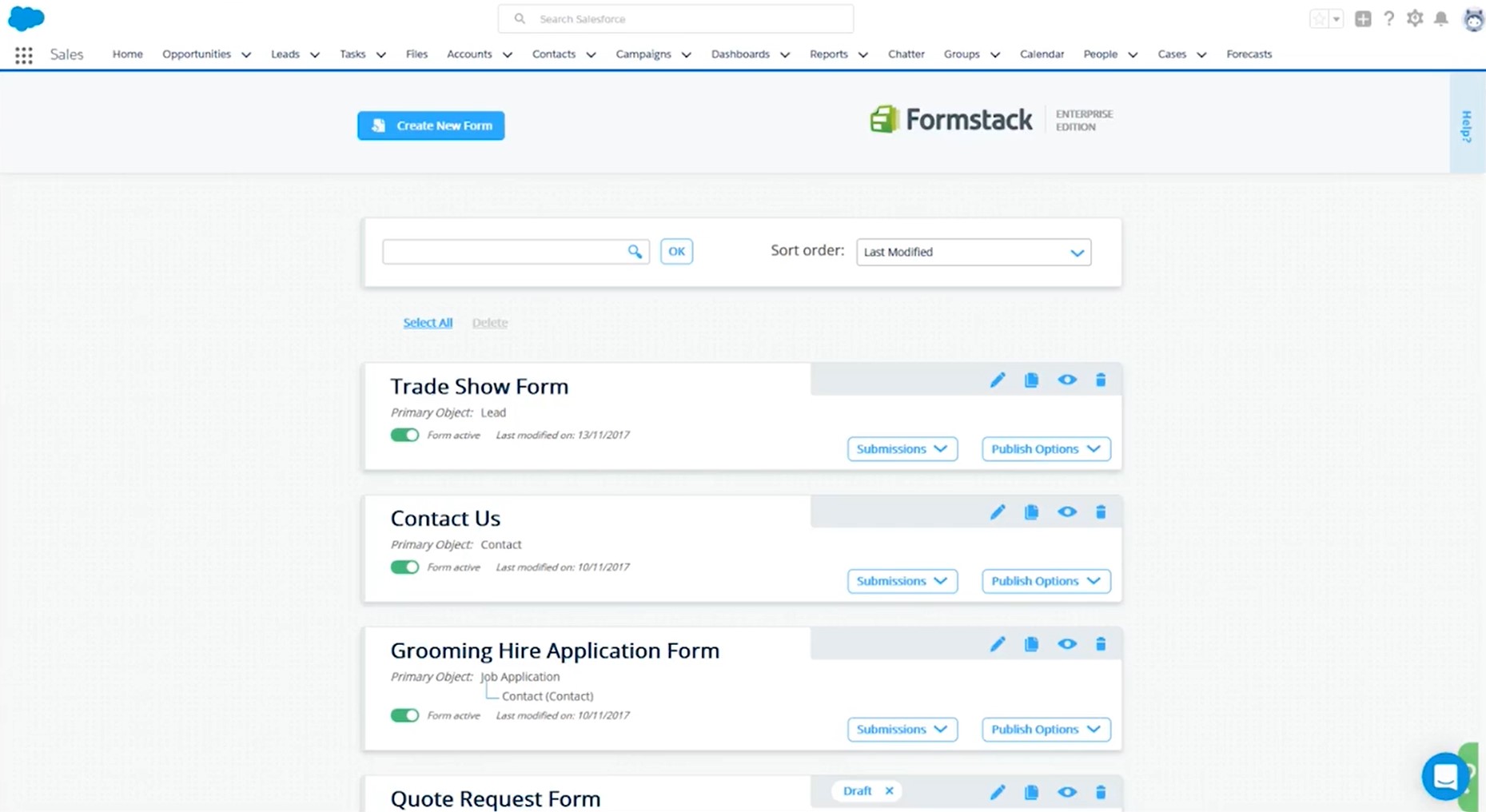
It is designed to handle structured processes across systems:
- Supports multi-step processes built around forms
- Includes approvals, document generation, and data routing
- Integrates with CRM systems and databases
- Handles large volumes of data across systems
- Helps automate internal workflows
For typical lead generation, the effort and cost can feel like overkill, while for larger teams it tends to fit more naturally.
9. Outgrow
Outgrow goes beyond standard form builders. In addition to forms, it supports quizzes, calculators, assessments, and product recommendation flows, giving you more ways to engage users.
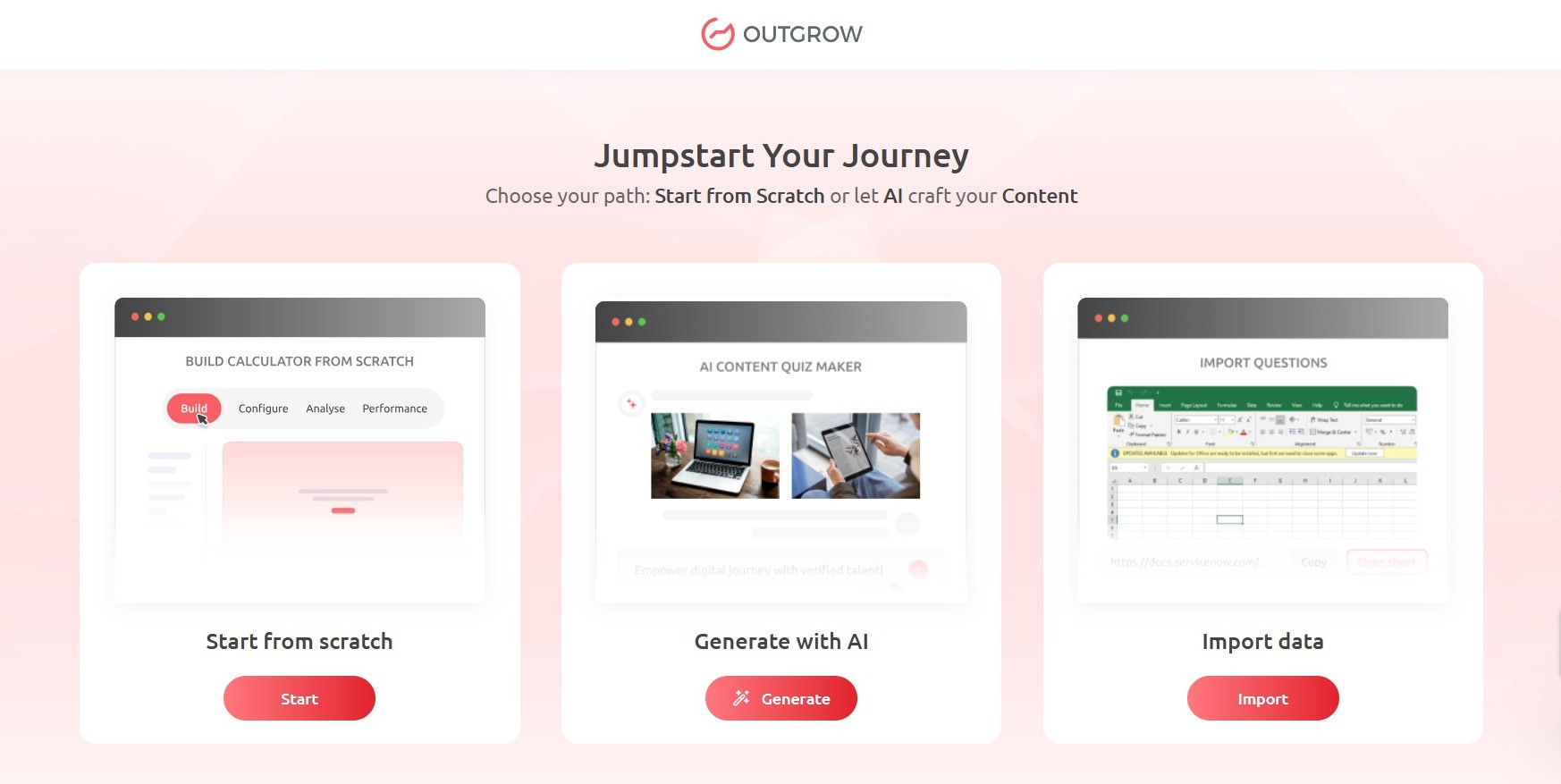
Its functionality is built around interactive formats and response-based input:
- Supports quizzes, calculators, assessments, and recommendation tools
- Guides users through step-by-step interactions
- Uses responses to segment users before submission
- Captures more context alongside contact details
- Syncs collected data with CRM and marketing systems
It’s better suited for campaigns where interaction depth matters as much as lead volume.
10. Involve.me
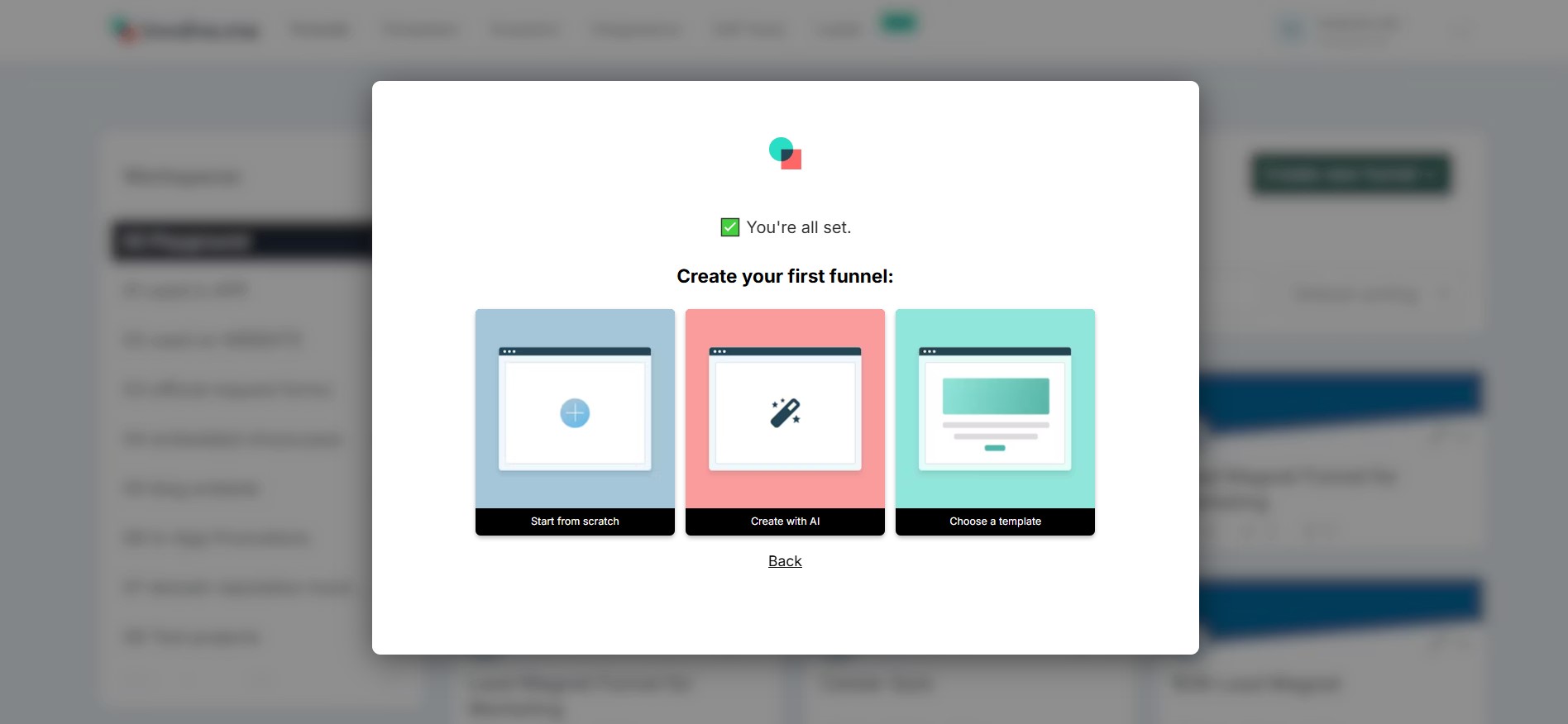
Involve.me is built around multi-step funnels that combine forms, quizzes, surveys, and calculators in one flow. It focuses on structured interactions rather than single-step forms.
It structures how user input is collected and evaluated:
- Uses conditional logic to adjust the path based on user input
- Applies scoring to evaluate responses
- Segments leads as they move through the process
- Structures how responses are collected and organized
- Sends data directly to CRM and email platforms
It works best when lead qualification happens during the interaction, reducing the need for post-submission filtering.
How to Choose the Best Typeform Alternative for Lead Generation
The right choice depends on how your process is set up. Some tools are built for speed, others for scale or control. Instead of comparing features in isolation, it’s more useful to look at how each option fits into your workflow.
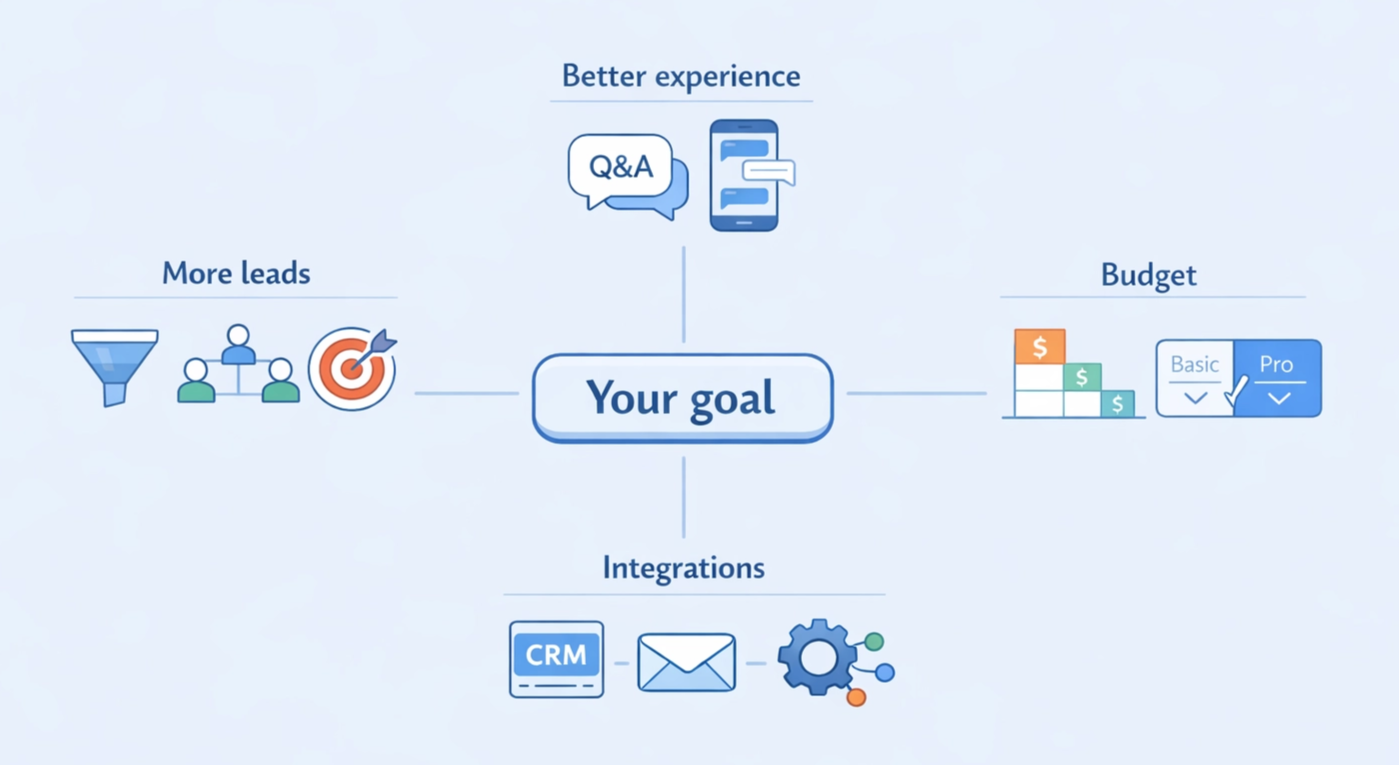
If you need more leads
If your priority is volume, focus on tools that are built for conversion. This usually means guided flows, clear structure, and minimal friction. At the same time, volume without quality doesn’t help much. Look for options that support segmentation and lead qualification, so you can filter out low-intent traffic and focus on leads that are more likely to convert.
If you want interactive experiences
A long list of questions upfront turns people away before they even get started. Quizzes and conversational flows move one step at a time, so the process feels lighter and easier to follow. That’s the idea behind tools like Marquiz. Quiz funnels in Marquiz consistently outperform static forms in our clients’ campaigns — the key is that leads arrive with context, not just a name and email.
If budget matters
Cost can vary significantly between tools. Some platforms offer free plans or entry-level options, which are useful for smaller projects or early testing. Marquiz, for example, includes a free plan with limited leads, giving you a chance to test quiz funnels and core features before upgrading.
The trade-off usually comes down to features, so it’s worth balancing cost against what you actually need to run and optimize your campaigns.
If integrations are critical
If your process depends on a CRM or email automation platforms, integrations should be a priority. Leads should move automatically into your system without manual steps. The smoother that flow is, the faster you can respond and the easier it is to scale.
FAQ
Here are a few common questions that come up when people start looking beyond Typeform and comparing other options:
What is the best alternative to Typeform?
There isn’t one single answer. It depends on how you plan to use it. If lead generation matters, tools that guide users through a flow tend to perform better. Marquiz fits well because it helps you understand users before they leave their contact details. If the goal is simpler, Tally, Google Forms, Jotform, or Paperform are usually enough.
Are there free alternatives to Typeform?
Yes, and they cover a lot. Marquiz has a free plan with limited leads, enough to test quiz funnels in practice. Tally is generous on the free tier, and Google Forms is fully free for basic tasks. Most tools start limiting features once you need integrations, deeper logic, or full branding control.
Which Typeform alternative is best for lead generation?
Marquiz approaches this differently. It doesn’t just collect answers, it builds context as users move through the flow. With quiz funnels and conditional logic, you can see intent early and focus on people more likely to convert. Add CRM or email integrations, and follow-ups become automatic.
Can Typeform alternatives integrate with CRM tools?
In most cases, yes. Leads can go directly into your CRM or email platform without extra steps. Marquiz sends them with all answers attached, making follow-ups more relevant. Other tools offer this too, but setup and detail levels can vary.
Are quiz funnels better than traditional forms?
Often yes. A sequence of questions feels easier to complete than a long form, especially when the process is interactive and keeps users engaged. Quiz funnels also give you structured data and filter leads before they reach your CRM, which reduces spend on low-intent traffic and shifts focus to people more likely to convert.
We’ve seen this in our own campaigns. In one case with a cabinetry hardware business, replacing a standard form with a quiz funnel cut cost per lead by nearly 80% and doubled revenue by bringing in better-qualified leads from the start.
Key Takeaways
Here are the main points to keep in mind when choosing a tool for lead generation:
- Typeform is a popular choice, but it’s not the only option available
- The best Typeform alternatives offer stronger marketing capabilities, especially for segmentation and funnel control
- Interactive quizzes and conversational formats tend to improve engagement and often lead to higher conversion rates
- Integrations and automation are essential for scaling lead generation workflows
- The right tool depends on your goals, whether that’s lead volume, quality, or automation
- Modern online form builder marketing tools focus on guided, engaging experiences rather than simple data collection



.jpg)