
20 Best NPS Software: Tools to Measure and Improve Customer Loyalty
Introduction
NPS software automates feedback collection. How to measure if customers would recommend you? The NPS (Net Promoter Score) is a simple, widely used metric from one question — “How likely are you to recommend us?”
Why does measuring loyalty matter? Because satisfied customers return more frequently, spend more often, and spend more per transaction. Measuring helps anticipate churn, and identifies what is going wrong to destroy the customer experience.
How does NPS software help? It automates the survey process, analyzes responses by category, visualizes your progress on dashboard, and pulls survey information directly into your CRM. But choosing the right survey software for NPS isn’t about features alone — it also needs to fit how your team actually works. Instead of random, disjointed answers you will have an organized and continuous stream of actionable data. You stop guessing and start fixing what affects recommendations.
Key Features to Look for in NPS Software
If you’ve played around with a few of these NPS tools already, I’m guessing one thing stands out: It’s all so samey (in name, at least). Yet in practice, there’s a lot of room between “that promise” and “that actual output.” What we’re going to focus on here is a stripped-back look at what’s genuinely useful, and what will not just promise it all, but deliver it.
Survey creation
Modern customer feedback tools combine static surveys with quiz-style flows, but lots of NPS survey software is still using static, old formats that don’t really get people’s attention (or, when it does, it gets half-filled-out).
Better tools make surveys feel lighter:
- Dynamic design
- Adaptive queries
- Mobile-responsive design
And something else most companies do not pay enough attention to is how much the format of your survey affects conversion optimization. Even the simplest usability change will yield significantly more responses.
Automation
You don’t want to “send surveys.” You want an automation platform that works with you so that sending out an NPS program and monitoring your NPS score is out of your hands. Using NPS tracking software, you can set up behavioral triggers that go beyond basic scheduling.
Here are ways to get there:
- Automated triggers on NPS survey sends
- Follow-up prompts
- Response routing to the right person.
Once it’s set up, your NPS system should just be another extension of your workflow.
Analytics dashboard
For most, this is where tools break down - or rise above and beyond. You want a great analytics dashboard that gives you answers to questions like:
- Why is our score falling?
- Which customers do we need to focus on turning happy?
- What makes customers happy?
Certain tools even come with AI-powered feedback analysis which helps speed up the process immensely by automatically organizing and identifying feedback patterns.
Segmentation
Here’s a plain fact: average scores lie.
Without segmentation, your NPS doesn’t reveal much beyond a generic number. It hides what’s really going on.
Break it down by:
- user type
- lifecycle stage
- plan tier (especially relevant for SaaS pricing models)
That’s when insights start making real sense.
Integrations
Feedback without context isn’t that useful.
Strong integration options allow your nps score software to connect with:
- CRM systems
- support tools
- marketing platforms
So instead of looking at anonymous data, you see real customers behind every response.
Real-time and omnichannel feedback
Timing matters more than most teams expect.
Modern tools support:
- real-time feedback
- omnichannel feedback (email, in-app, web, SMS)
This means you’re not reacting weeks later — you’re responding while the experience is still fresh.
Customer journey tracking
This is where NPS becomes more than a metric.
With customer journey tracking, you can map feedback across the entire lifecycle:
- onboarding
- activation
- retention
You start seeing not just what users feel, but when things go wrong.
👉 Quick note before we move on.
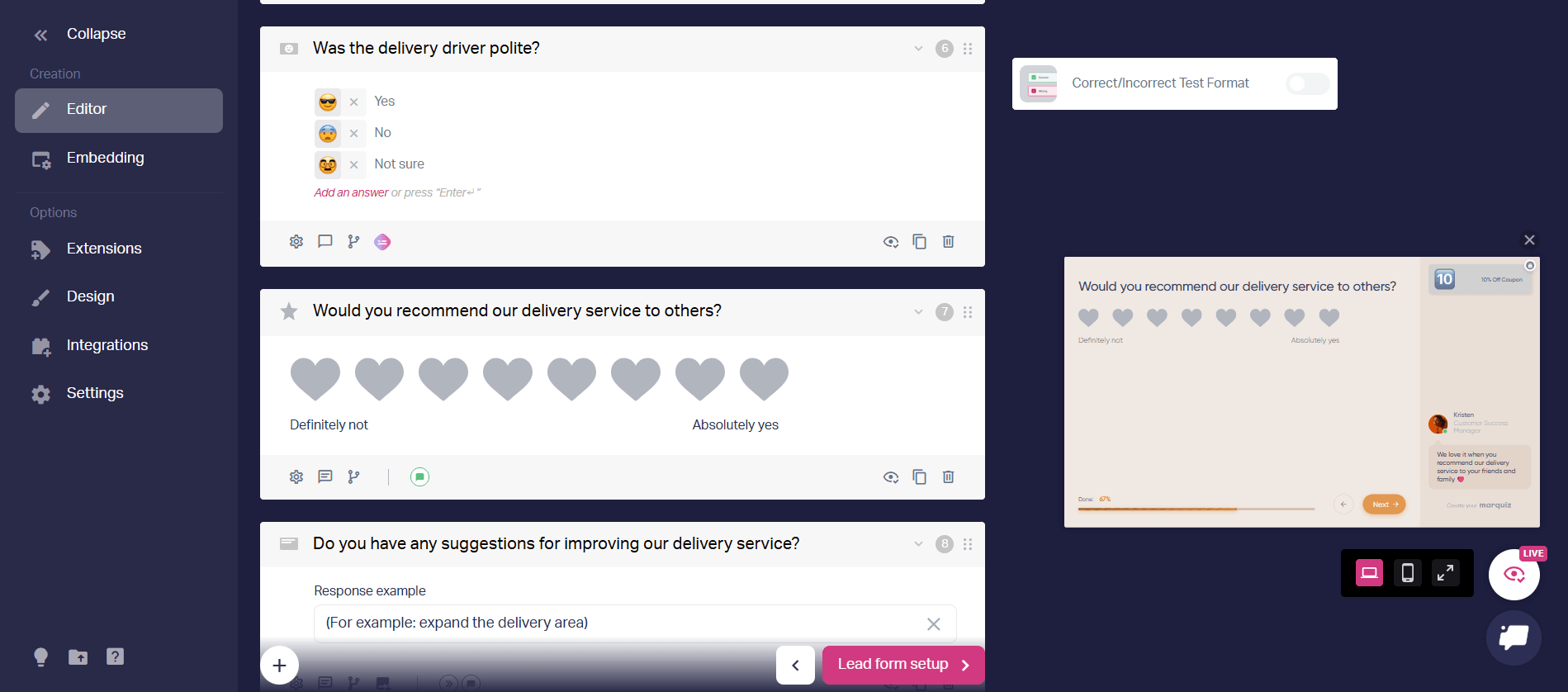
Most NPS tools collect feedback but ignore lead generation. Marquiz combines both: you build an interactive quiz that captures NPS responses, segments users, and collects leads — all in one flow.
Benefits of Using NPS Survey Software
Let’s be honest. Nobody adopts nps analytics tools just to look at a number.
The value shows up in what happens next.
Better customer experience
When you start collecting customer feedback on a regular basis, a funny thing starts happening.
The first dozen responses seem scattered all over the place – somebody hated onboarding, someone else had an issue with pricing, then another user didn’t get their email in time. But within 20-30 responses, things just begin to snap into place.
We’ve seen teams spot onboarding issues just by reading a small batch of NPS survey answers. No dashboards, no heavy analytics dashboard work — just careful reading.
That’s the moment when customer experience (CX) stops being an abstract idea and becomes something you can actually see and fix.
A real example with numbers.
A medical clinic network started sending a simple 2-question NPS survey after each patient visit. The first question: “How likely are you to recommend us?” (0–10). The second: an open text field.
Then they used a simple branch:
- Promoters (9–10) → redirected to leave a public review on a map service (2Гис).
- Detractors (0–6) → redirected to a private chat with a clinic manager.
Over 11 months, they collected 29 NPS responses from new patients only. Their score climbed to 5/5 on public maps without any paid promotion.
But the real difference showed in volume.
When they expanded to survey all patients (both new and returning), they gathered 256 ratings in 2 years — and maintained a 4.9/5 public rating.
More importantly, monthly inbound calls from that map service grew from 11 in October to 59 in February — a 5x increase within 5 months.
The NPS score itself became a KPI for clinic administrators. Not a vanity metric – a management tool.
That’s what happens when feedback stops being abstract and starts driving action.
Higher retention
Retention rarely breaks all at once. It leaks slowly.
A few unhappy users here, a couple of ignored complaints there — and a few months later it adds up to churn.
With solid nps tracking software, you start noticing those early signals:
- a drop in score in a specific segment
- repeated complaints about the same issue
- silence from previously active users
And once you see it early, you can actually do something about it.
Another pattern we’ve seen.
A SaaS product had a stable overall NPS, but when they applied segmentation, one group stood out — new users in their first 7 days.
Their score was significantly lower.
That led to a simple onboarding change — and a noticeable drop in early churn.
Faster decisions (and fewer internal debates)
Every team has those moments.
Marketing thinks one thing. Product thinks another. Support has a third opinion.
NPS helps cut through that.
Not because it’s perfect — but because it gives you consistent input from users. Combined with qualitative responses, it becomes a practical decision-making tool, not just a metric inside your analytics dashboard.
From feedback to growth
This is where things get interesting. The majority of businesses consider surveys an inert process: ask them, give them space for answers and let them be. But in practice, surveys can do more.
For example, we’ve seen teams turn simple NPS flows into:
- soft onboarding steps
- segmentation points
- even entry points for lead generation via surveys
Especially when combined with interactive formats, this directly impacts conversion optimization.
20 Best NPS Software Tools in 2026
Let’s get practical.
There’s no single “best nps software” — it depends on what you’re trying to achieve.
Some tools focus on measurement. Others go deeper into customer experience software, analytics, and growth.
Here’s how they actually compare.
1. Marquiz
Brief description:
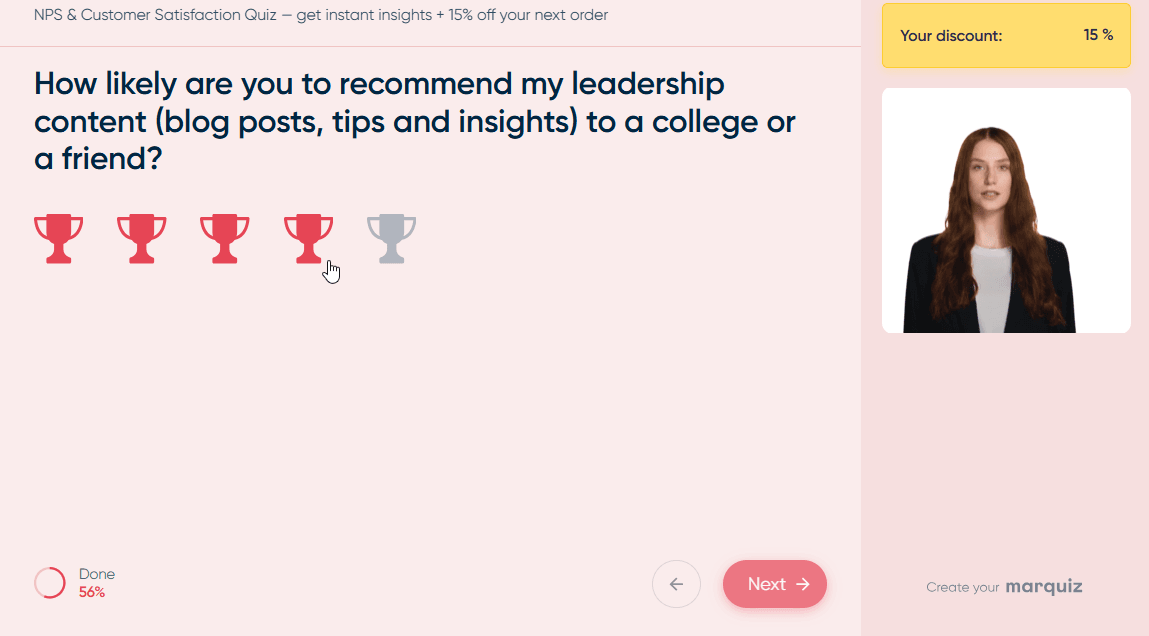
An interactive NPS solution that replaces boring static forms with short, quiz‑style flows. Instead of asking “How likely are you to recommend us?” as a cold question, Marquiz wraps it into a lightweight, conversational experience. Users tap through one friendly prompt at a time, which feels more like a game than a survey. This format naturally collects customer feedback with higher completion rates — often double that of traditional tools. You can also capture lead data, segment respondents on the fly, and route promoters to a “leave a review” page while sending detractors to a private feedback form.
Pros:
- 2x+ higher conversion than classic forms
- Natural, engaging user experience
- Built-in lead generation and contact capture
Who it’s for:
Companies that want to not just measure NPS but turn surveys into a customer acquisition channel.
One practical case.
A marketing team replaced a standard feedback form with a quiz-style flow. Same questions, different format.
The result:
- more than double the response rate
- better completion
- and — unexpectedly — a steady stream of leads from users who would normally ignore surveys
That’s where the combination of feedback and lead generation via surveys starts to pay off.
2. Qualaroo
Brief description:
A survey tool built around behavioural triggers and AI-powered open‑text analysis. Instead of emailing a generic link, you can show a short NPS question right after a user completes a key action — for example, right after they export a report or upgrade their plan. This timing dramatically improves response quality because the experience is still fresh. Qualaroo’s AI then reads through hundreds of open‑ended answers, automatically tagging complaints about pricing, UI bugs, or missing features. You don’t need a data science team to spot patterns; the tool highlights them for you.
Pros:
- Behavioral triggers (surveys after specific actions)
- AI analysis for large volumes of feedback
- High response quality due to relevant timing
Who it’s for:
Product teams that need contextual feedback at the right moment.
3. SurveySensum
Brief description:
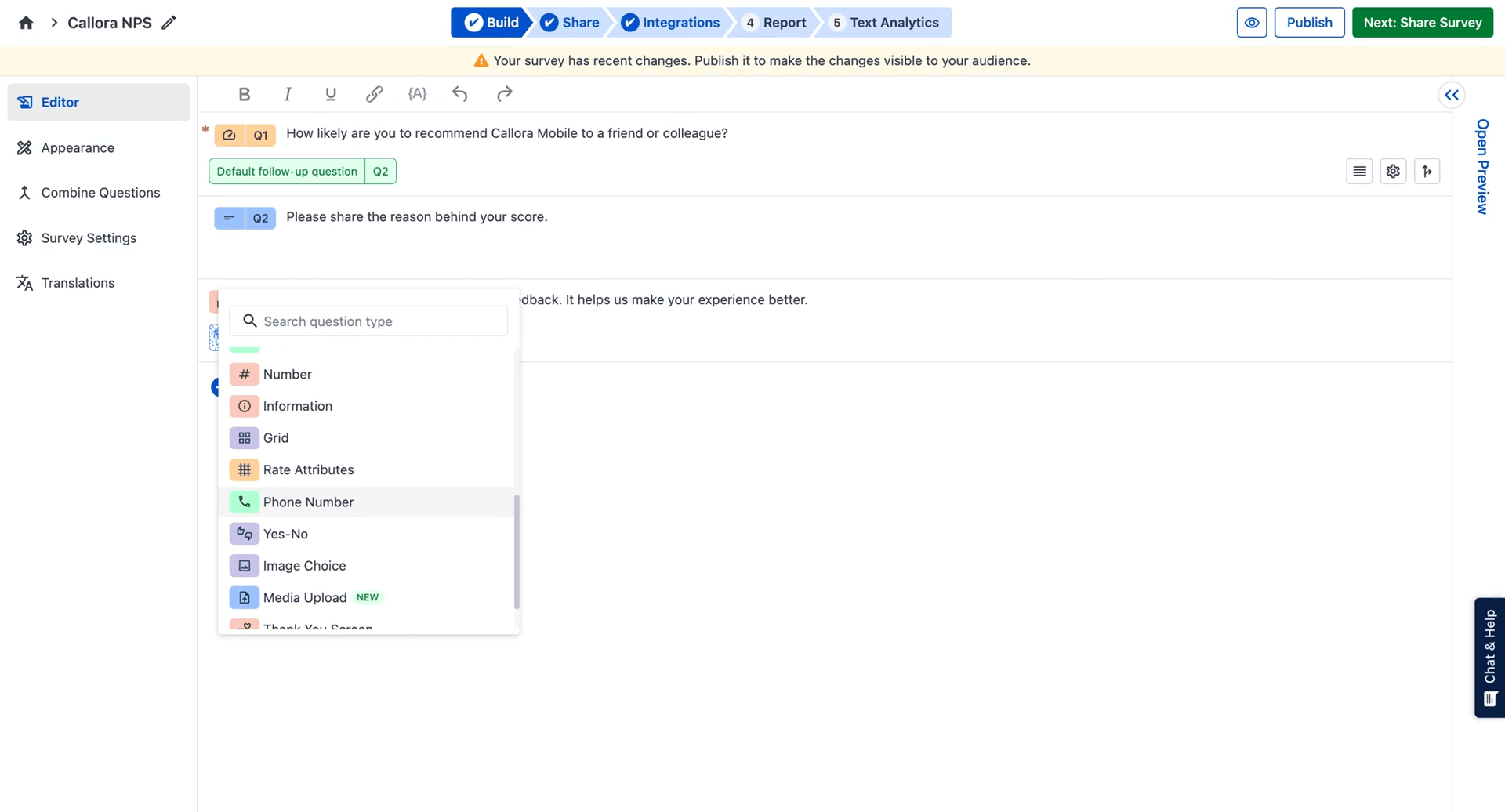
A full‑scale Customer Experience platform with a powerful NPS engine. It collects feedback across email, WhatsApp, in‑app messages, SMS, and even QR codes in physical locations. Once responses arrive, SurveySensum transforms raw data into actionable reporting dashboards. You can filter by region, customer tier, or product version, and see NPS trends over weeks or months. The platform also sends real‑time alerts when a detractor replies, so your support or CX team can step in within minutes. Pre‑built charts and export options make it easy to share insights with leadership without manual spreadsheet work.
Pros:
- Omnichannel collection
- Real-time insights
- Detailed and customisable reporting
Who it’s for:
Companies that need a centralized system for managing customer experience.
4. Delighted
Brief description:
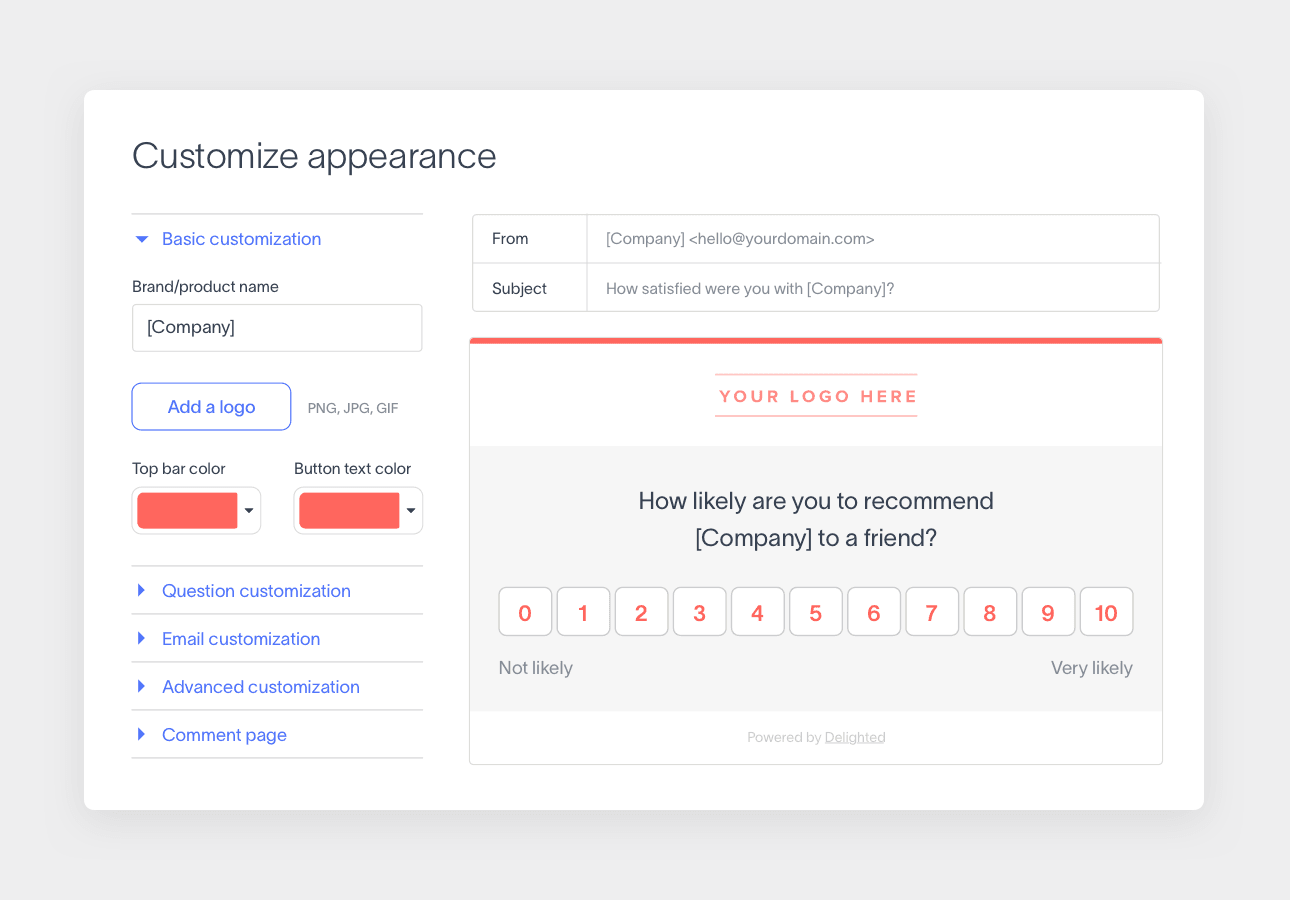
A dead‑simple NPS tool that focuses on speed and clarity. You sign up, paste a short JavaScript snippet or connect an integration (like Zapier or Slack), and start collecting responses within ten minutes. The dashboard shows your current NPS score, the split between promoters, passives, and detractors, and the most common themes from open‑ended answers — all without any confusing menus or hidden settings. Delighted also automates follow‑up emails: promoters can be asked to leave a public review, while detractors get a private apology form. It’s one of the few tools that doesn’t require a team training session.
Pros:
- Minimal complexity
- Automated survey sends
- Straightforward NPS analytics
Who it’s for:
Teams that need something that “just works” without extra features.
5. AskNicely
Brief description:
An NPS platform designed to drive immediate action, not just collect scores. When a customer gives a low rating (0–6), AskNicely can automatically create a task in your support system, notify a team member via Slack, or trigger a follow‑up SMS asking “How can we fix this?” The tool integrates with common CRMs and helpdesks, so frontline staff see the customer’s history and can respond without switching tabs. Many service‑focused companies use AskNicely to close the loop with detractors before they churn — often within hours instead of weeks.
Pros:
- Instant follow-up on feedback
- Great for customer-facing teams
- Focus on actions, not just numbers
Who it’s for:
Support and customer service teams where fast response matters.
6. Refiner
Brief description:
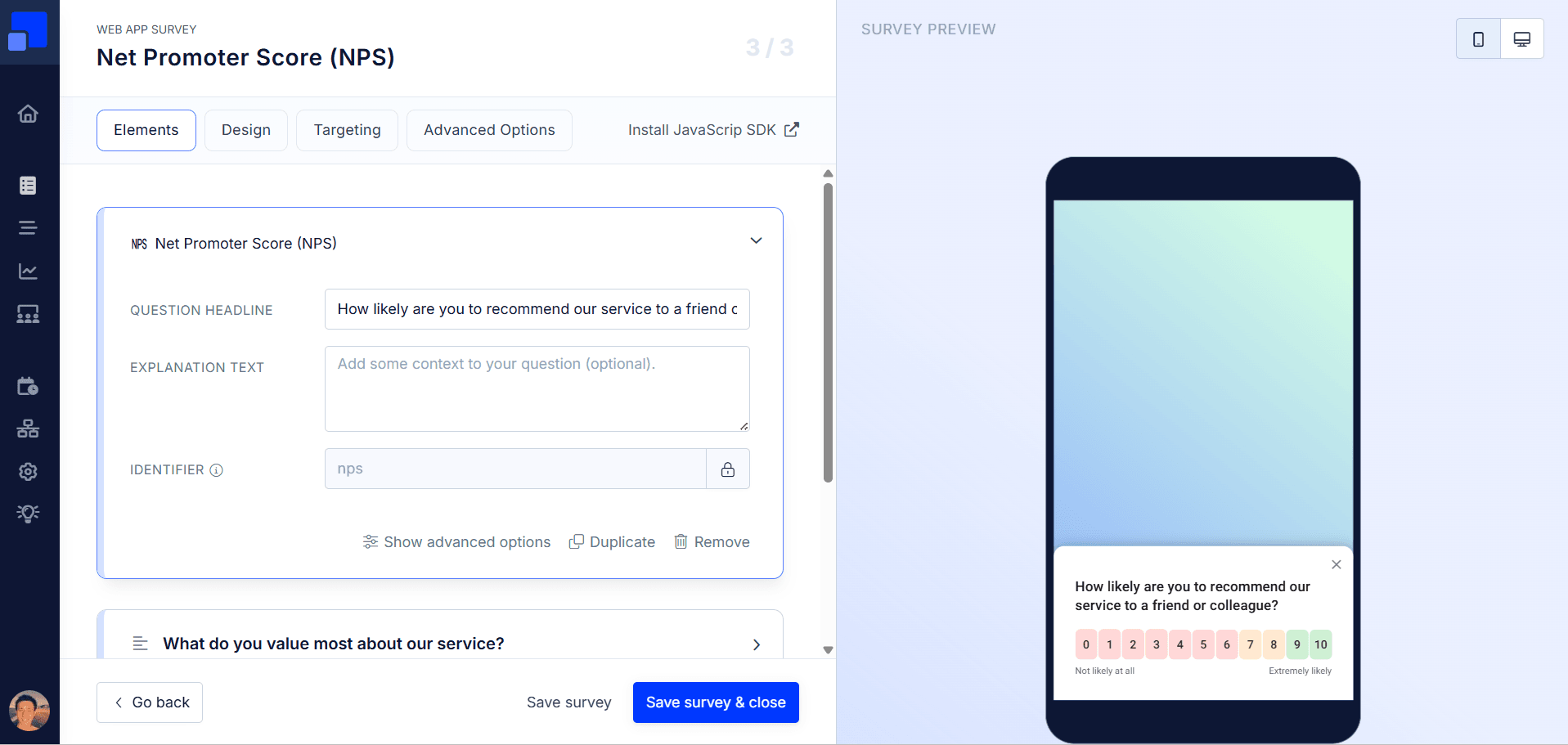
A dedicated NPS tool built specifically for SaaS products. Instead of sending email surveys days later, Refiner shows a small, non‑intrusive widget inside your web app. You can trigger it based on user behaviour — for example, after a user completes onboarding, upgrades from free trial to paid, or uses a specific feature three times. This timing yields far more relevant feedback because the user’s memory is still fresh. Refiner also lets you segment responses by plan tier, country, or activity level, so you can see that your enterprise plan has an NPS of 65 while your freemium users are at 12 — a signal that guides your product roadmap.
Pros:
- Behavioral triggers inside the app
- Segmentation by user type
- Integrations with CRM and BI via open API
Who it’s for:
SaaS teams tired of vague answers and wanting contextual feedback.
7. Wootric
Brief description:
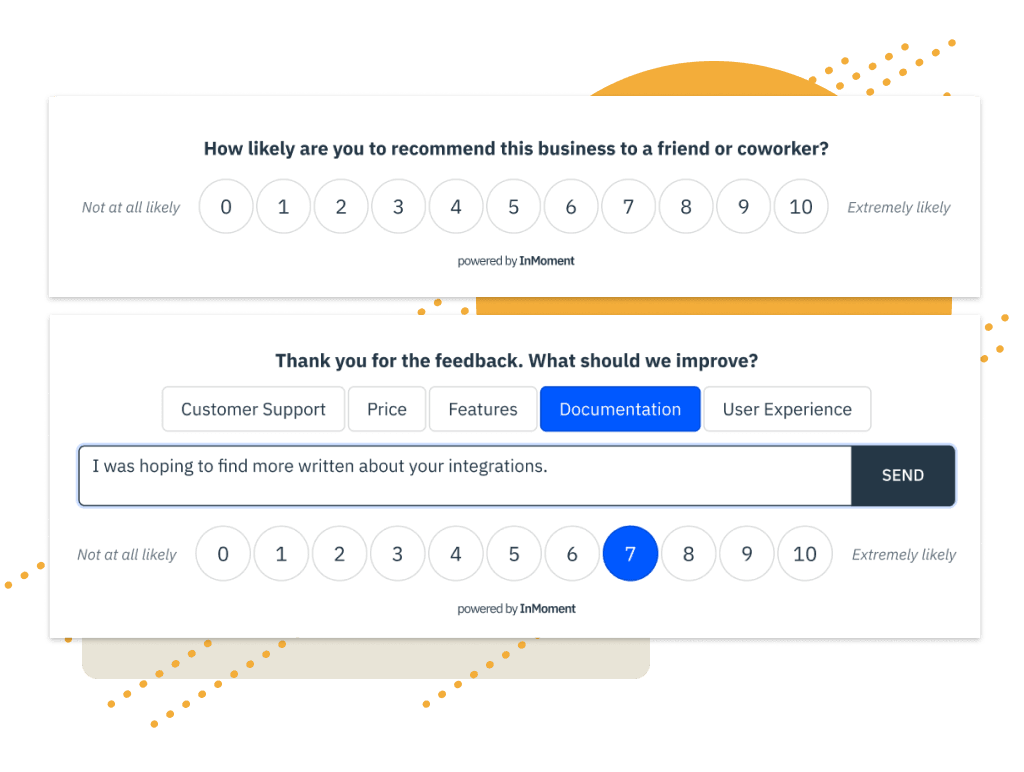
Often described as the “just right” NPS solution — simpler than enterprise giants like Medallia, but more powerful than basic survey tools. Wootric lets you collect NPS via email, web links, or an in‑app widget, and it automatically calculates your score in real time. The analytics dashboard shows trends, segments by user properties, and highlights themes from open‑ended responses. What makes Wootric stand out is its balance: it offers enough depth for a dedicated CX analyst but remains clean enough for a marketing manager to check their score every Monday morning. No training manuals required.
Pros:
- Real-time feedback collection
- Reliable analytics dashboard
- No feature overload
Who it’s for:
Companies that have outgrown spreadsheets but aren’t ready for enterprise complexity.
8. Hotjar Surveys
Brief description:
Hotjar’s survey module is unique because it links each NPS response to what the user was doing on your site or app. When a user gives a low score, you can immediately replay their session recording: watch where they clicked, how long they waited, or which error message appeared. This turns an abstract “6 out of 10” into a concrete story — “they got stuck on the checkout page for two minutes.” You can also filter responses by behaviour, like users who visited your pricing page but didn’t convert. For UX researchers and product managers, this combination of NPS and behavioural context is incredibly powerful.
Pros:
- Links responses to behavior (click maps, sessions)
- Improves customer journey understanding
- Helps explain “why” behind low scores
Who it’s for:
Analysts and UX researchers who need visual context tied to feedback.
9. Typeform
Brief description:
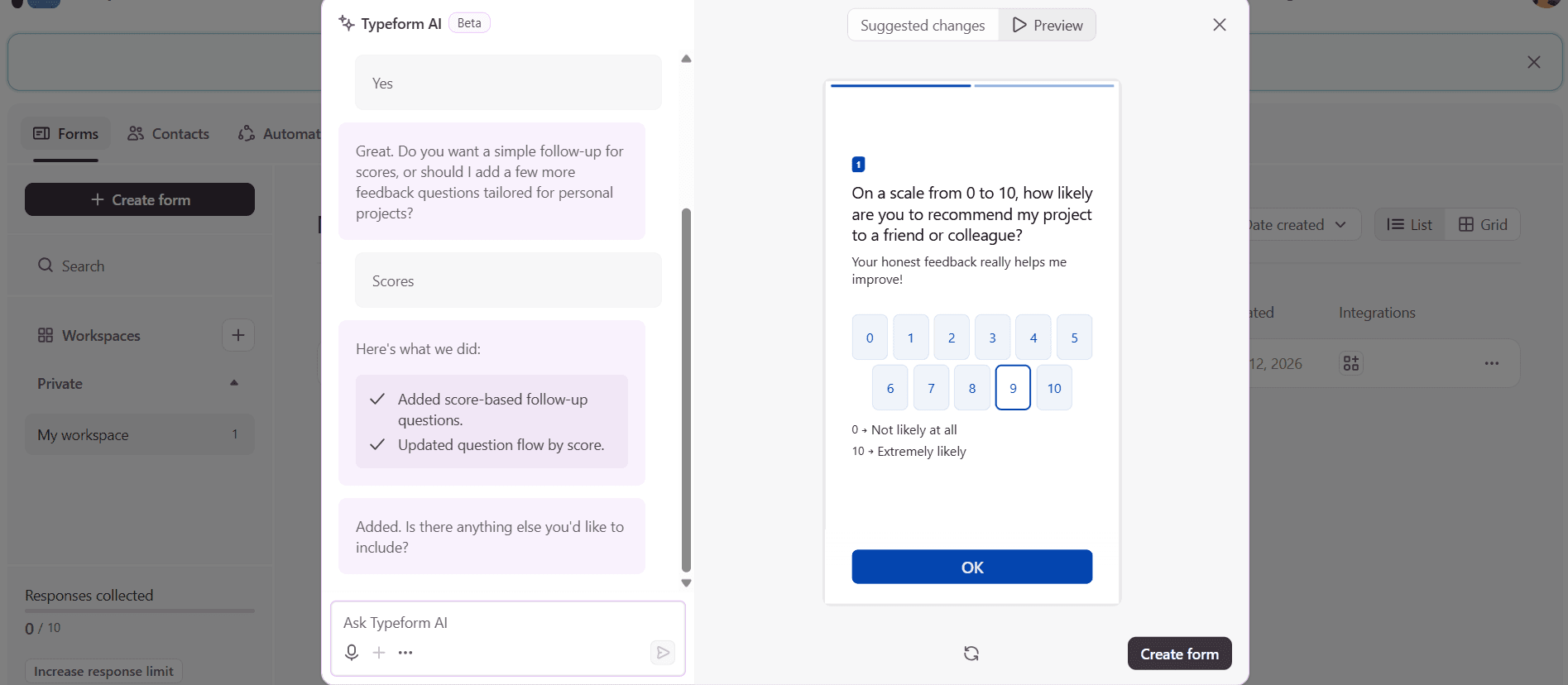
A design‑first survey tool known for its conversational, one‑question‑at‑a‑time interface. Typeform removes all visual clutter — no progress bars, no side columns, no “submit” buttons until the very end. This minimalist approach reduces cognitive load and keeps respondents engaged, which often leads to completion rates 20–30% higher than classic form builders. While Typeform is not a dedicated NPS analytics tool (it lacks advanced segmentation or real‑time dashboards), it excels at creating beautiful feedback flows that feel like a chat with a friendly brand. Many marketing teams use it for both NPS and lead generation, embedding follow‑up questions that capture email addresses after the score.
Pros:
- One question at a time – low friction
- High survey completion rates
- Suitable for lead generation
Who it’s for:
Brands that value design and engagement (less suited for deep NPS analytics).
10. SurveyMonkey
Brief description:
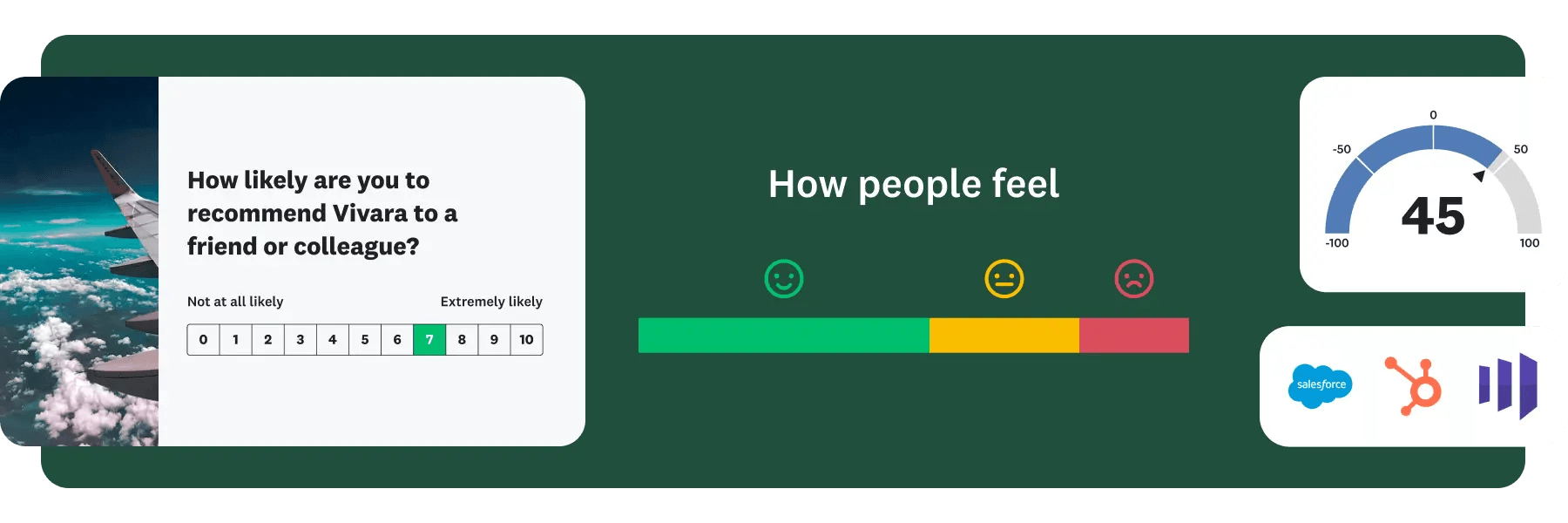
One of the most established survey platforms, SurveyMonkey offers a dedicated NPS module inside its vast ecosystem. You can choose from 400+ expert‑built templates, including industry‑specific NPS surveys for SaaS, retail, hospitality, and more. The platform automatically calculates your score, tracks changes over time, and uses AI to tag themes from open‑ended responses — for example, grouping hundreds of comments into “slow support,” “buggy mobile app,” or “pricing confusion.” You can also benchmark your NPS against industry averages to see if your 45 is excellent or just average. Integrations with Slack, Salesforce, and Tableau let you push results directly into your existing workflows.
Pros:
- 400+ expert-built templates
- AI for automatic theme detection
- Integration with 200+ tools (Salesforce, Slack, Tableau)
Who it’s for:
Teams that want a fast start and deep out-of-the-box analytics.
11. Medallia
Brief description:
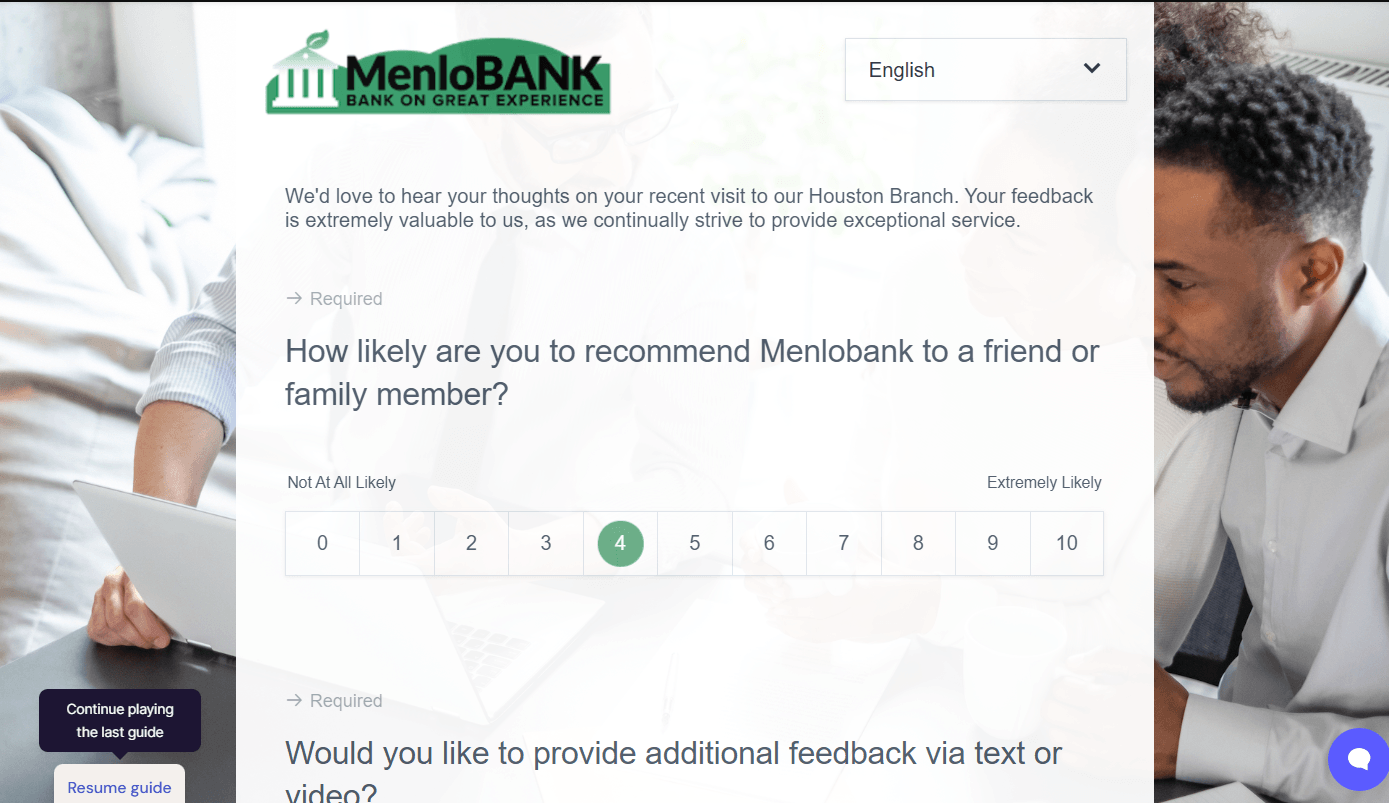
The enterprise standard for customer experience management. Medallia processes billions of signals annually — not just NPS scores, but also support tickets, social media mentions, and call centre transcripts. Its AI engine detects emerging issues before they become crises, and its dashboards can be customised for every role from CEO to store manager. Crucially, Medallia adheres to strict data privacy (GDPR/CCPA) regulations, offering fine‑grained access controls, data residency options, and audit logs. This makes it the choice for global banks, airlines, and healthcare providers that cannot afford a compliance breach. On the downside, implementation typically takes months and requires a dedicated team — it’s not a plug‑and‑play tool.
Pros:
- Industrial-grade AI for feedback
- Advanced segmentation and reporting
- High security and compliance
Who it’s for:
Large businesses with strict security and high-volume data requirements (not for quick setup).
12. Zonka Feedback
Brief description:
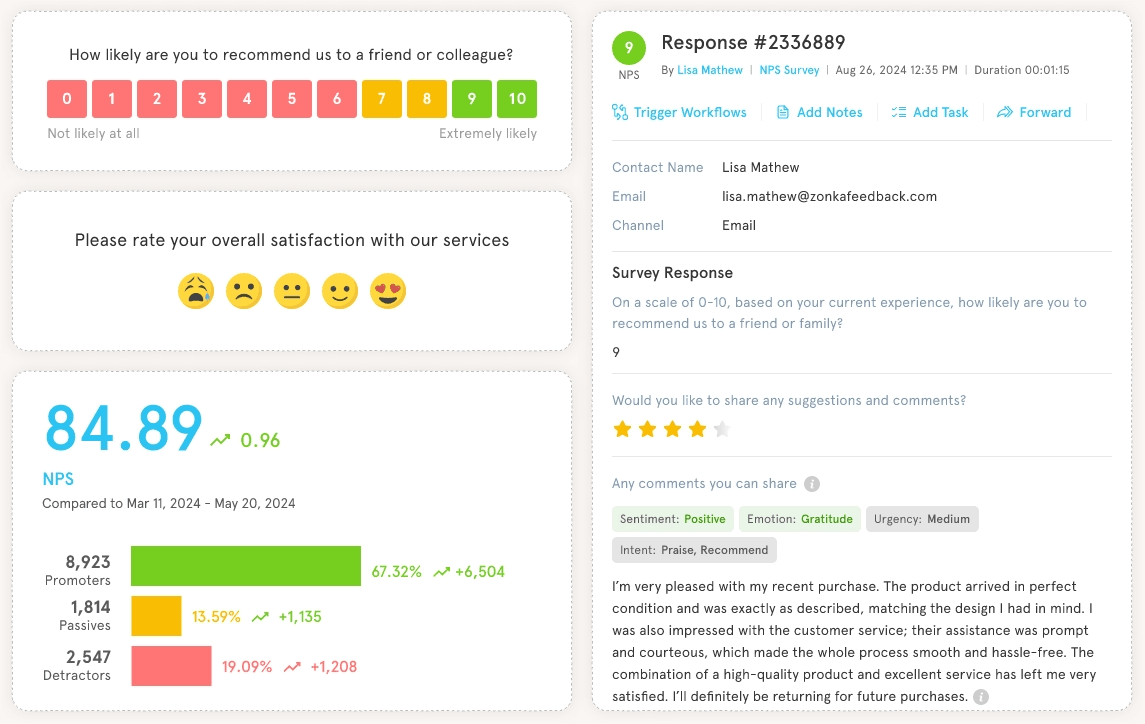
A flexible NPS tool that avoids extremes — it’s not as bare‑bones as Delighted, nor as complex as Medallia. Zonka lets you create NPS surveys for email, web links, SMS, QR codes, and even tablets at physical locations (like a retail checkout). You can set up automated triggers: for example, send an NPS survey 24 hours after a support ticket is closed, or 7 days after a product is delivered. Real‑time alerts notify your team when a detractor responds, and the dashboard provides pre‑built filters for segments like “first‑time buyers” or “VIP customers.” It strikes a practical balance for mid‑sized companies that need more than basic metrics but don’t have a full‑time CX operations team.
Pros:
- Not too simple, not too complex
- Automated triggers
- Real-time notifications
Who it’s for:
Companies that want a sweet spot between functionality and simplicity.
13. Retently
Brief description:
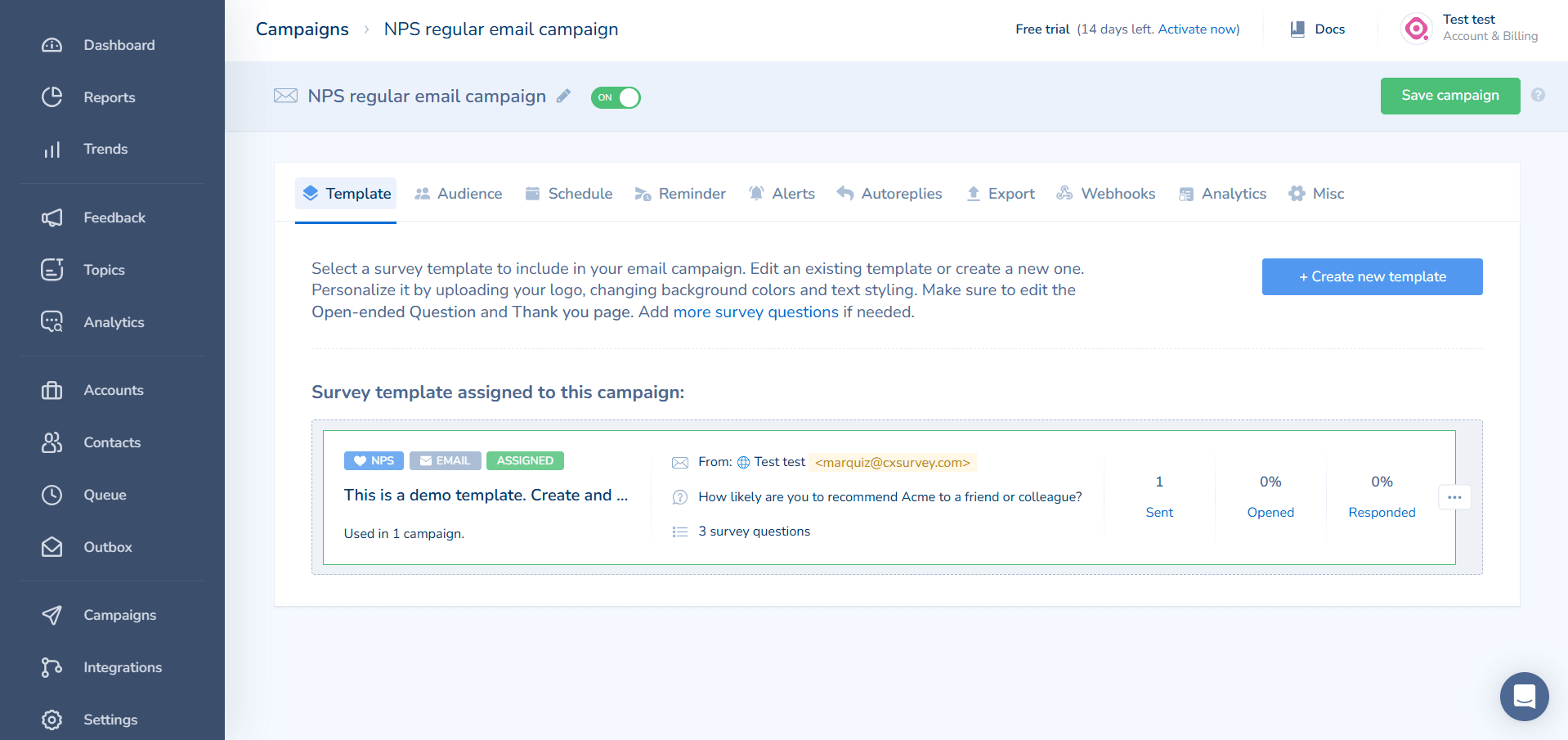
A clean, no‑distraction NPS tool built for clarity. Retently removes every non‑essential button and setting, leaving only what you actually need: survey creation, automated sending, and a dashboard that shows your score, trend line, and recent comments. You can schedule NPS surveys quarterly, monthly, or based on customer lifecycle stages (e.g., 30 days after signup). The open‑ended responses are displayed right next to each score, making it easy to spot patterns without digging through menus. For teams that have tried bloated platforms and felt overwhelmed, Retently is a breath of fresh air — it does one thing well and stays out of your way.
Pros:
- Minimal visual clutter
- Clear visualizations
- Easy to start
Who it’s for:
Teams that want to track NPS trends without unnecessary complexity.
14. Nicereply
Brief description:
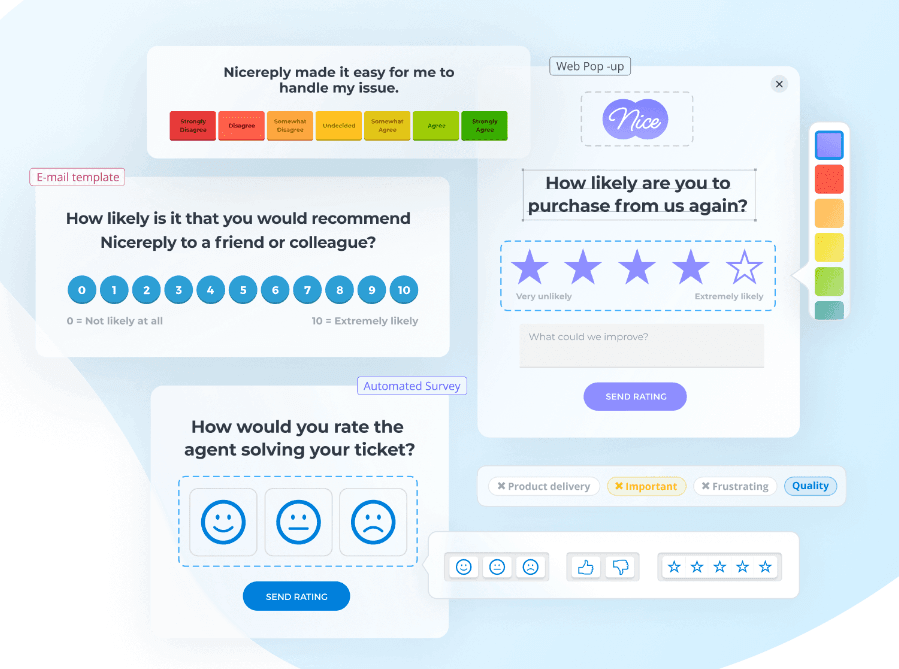
A specialised NPS tool designed for support and service teams. Instead of a separate survey link, Nicereply places a simple rating widget directly inside your email signature, helpdesk ticket interface, or even after a live chat session. The question is typically “How likely are you to recommend [Company] based on this interaction?” — not your overall brand. This narrow focus gives you granular feedback per agent, per ticket category, or per support channel. Managers can see which agents consistently get high scores and which might need coaching. Because the survey is frictionless (one click, no redirect), response rates are often much higher than traditional email NPS campaigns.
Pros:
- Perfect for post-interaction surveys
- Fast tie to specific tickets
- No complex strategy required
Who it’s for:
Service and support teams.
15. Survicate
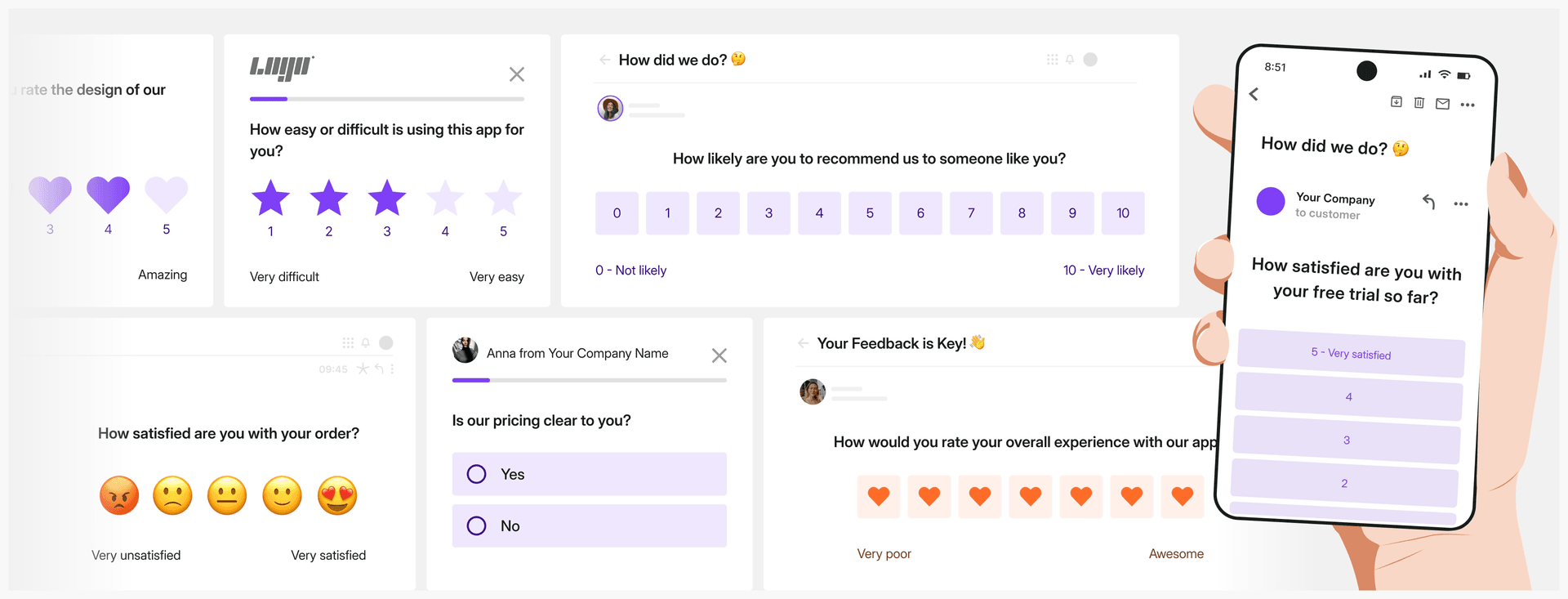
Brief description:
A behavioural NPS tool that prioritises timing above all else. Survicate lets you define precise triggers based on user actions — for example, show an NPS survey after a user visits your pricing page three times, or after they spend 10 minutes on the help centre. You can also target by URL, cookie data, or custom events from your product analytics (like Mixpanel or Amplitude). This approach reduces random noise: you only ask for feedback when there’s a meaningful event to reflect on. The trade‑off is that you’ll get fewer total responses, but each one will be richer and more actionable. Survicate’s dashboard then lets you filter responses by the trigger that caused them, so you can compare NPS for different user journeys.
Pros:
- High relevance through triggers
- Flexible balance between response volume and quality
- Control over survey timing
Who it’s for:
Product teams willing to trade quantity for quality of feedback.
16. SurveySparrow
Brief description:
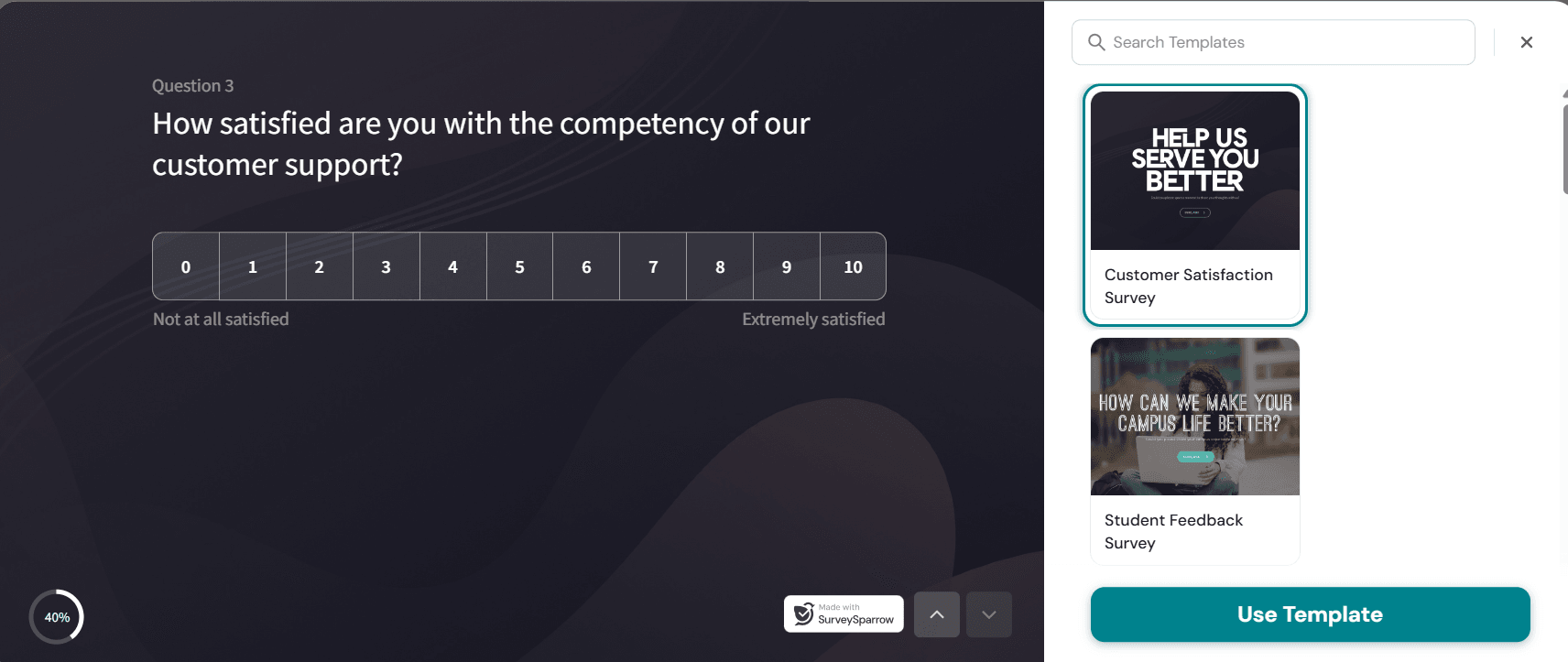
A conversational NPS platform that turns surveys into chat-like experiences. Instead of static forms, SurveySparrow asks one question at a time in a friendly, back-and-forth style that feels more like texting with a colleague than filling out a form. This naturally drives higher engagement and completion rates.
Pros:
- Conversational chat‑first format boosts engagement
- Omnichannel distribution (email, web, SMS, QR)
- Built‑in NPS, CSAT, CES with AI sentiment analysis
Who it’s for:
Teams that want a human, chat‑like survey experience without sacrificing robust NPS analytics and automation.
17. CustomerGauge
Brief description:
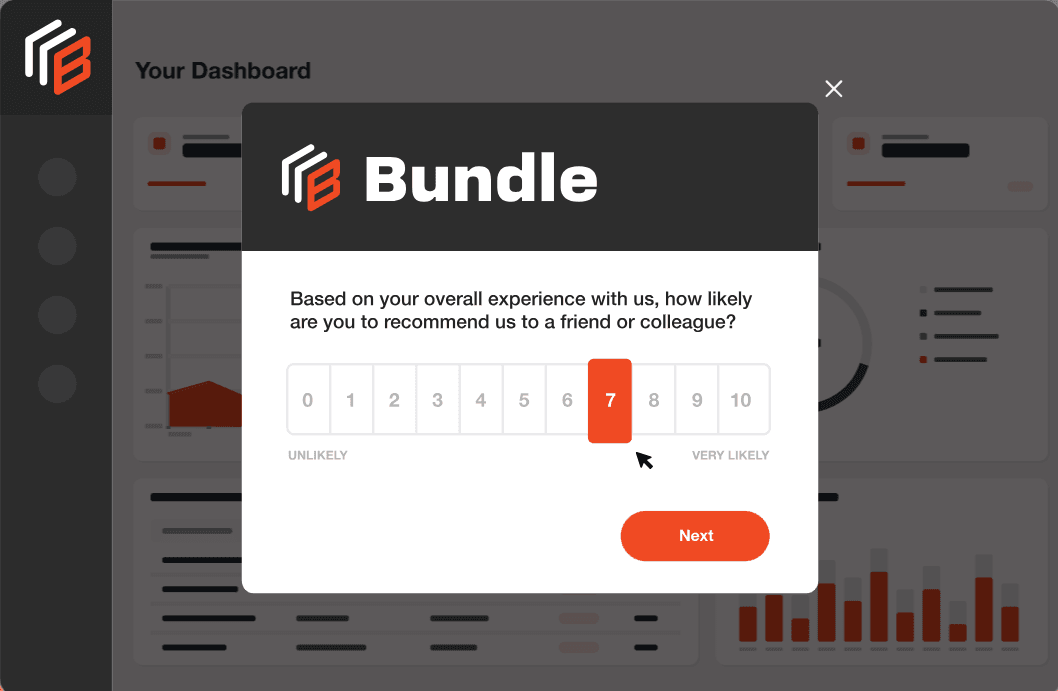
A B2B‑focused NPS platform that ties customer loyalty directly to revenue. Instead of measuring individual users (like most SaaS tools), CustomerGauge rolls up scores by company account. It then correlates NPS with renewal rates, contract value, upsell opportunities, and churn risk. For example, you might discover that accounts with an NPS below 30 have a 60% chance of not renewing, while promoters (9–10) are 4x more likely to buy an add‑on. The platform also includes account‑level journey mapping, so you can see at which stage — onboarding, first support ticket, annual review — the score drops. This is heavy‑duty software for B2B companies with high‑value relationships, not for consumer apps or free tiers.
Pros:
- Revenue-linked insights
- Account-centric approach
- Customer journey mapping
Who it’s for:
B2B companies where loyalty is measured per account, not per user.
18. HubSpot NPS Tool
Brief description:
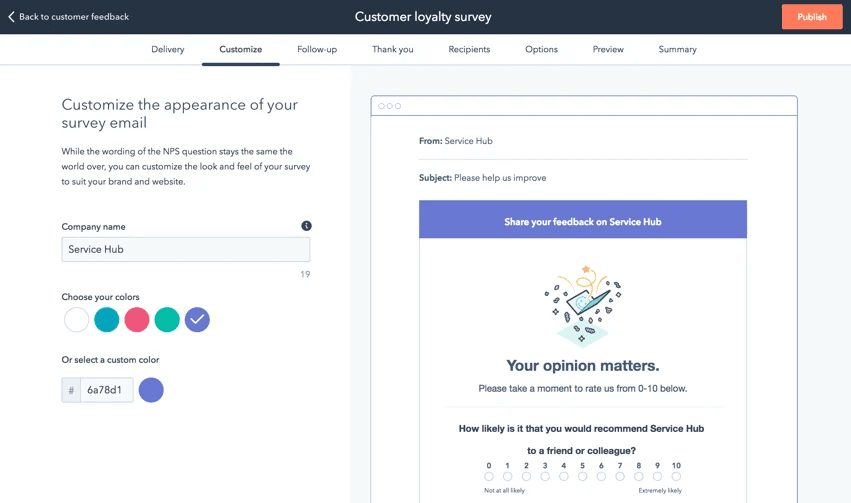
A lightweight NPS module included with HubSpot Service Hub. If your team already uses HubSpot for CRM, marketing automation, or customer support, adding NPS surveys requires no new vendor, no extra cost (depending on your plan), and almost zero setup time. You can create an NPS email or in‑app survey in under five minutes, and responses automatically appear on contact records. This allows your sales and support teams to see a customer’s latest score before any interaction. The tool does not offer advanced features like behavioural triggers, AI analysis, or multi‑channel collection — it’s intentionally basic. But for HubSpot shops that want a quick “good enough” NPS system without introducing another login, it’s an obvious starting point.
Pros:
- No separate subscription (if you have HubSpot)
- Minimal setup
- Native HubSpot CRM integration
Who it’s for:
Existing HubSpot users who want a simple start with NPS measurement.
19. Alchemer
Brief description:
An advanced survey platform favoured by researchers and enterprises that need complex survey logic. Alchemer allows branching that would make most tools break — you can pipe answers from one question into the next, skip pages based on previous scores, or pull data from external APIs mid‑survey. For NPS, this means you can ask the standard “How likely?” question, then branch promoters to a public review link, passives to a “what could we improve?” text box, and detractors to an entirely different flow that schedules a call with support. The platform also offers enterprise‑grade security and can be self‑hosted for organisations with strict data policies. However, it requires a learning curve; this is not a tool for someone who just wants a one‑click NPS widget.

Pros:
- Complex routing and conditions
- Custom workflows for non-standard needs
- Good GDPR/CCPA support
Who it’s for:
Advanced users and enterprises with complex survey logic requirements.
20. SatisMeter
Brief description:
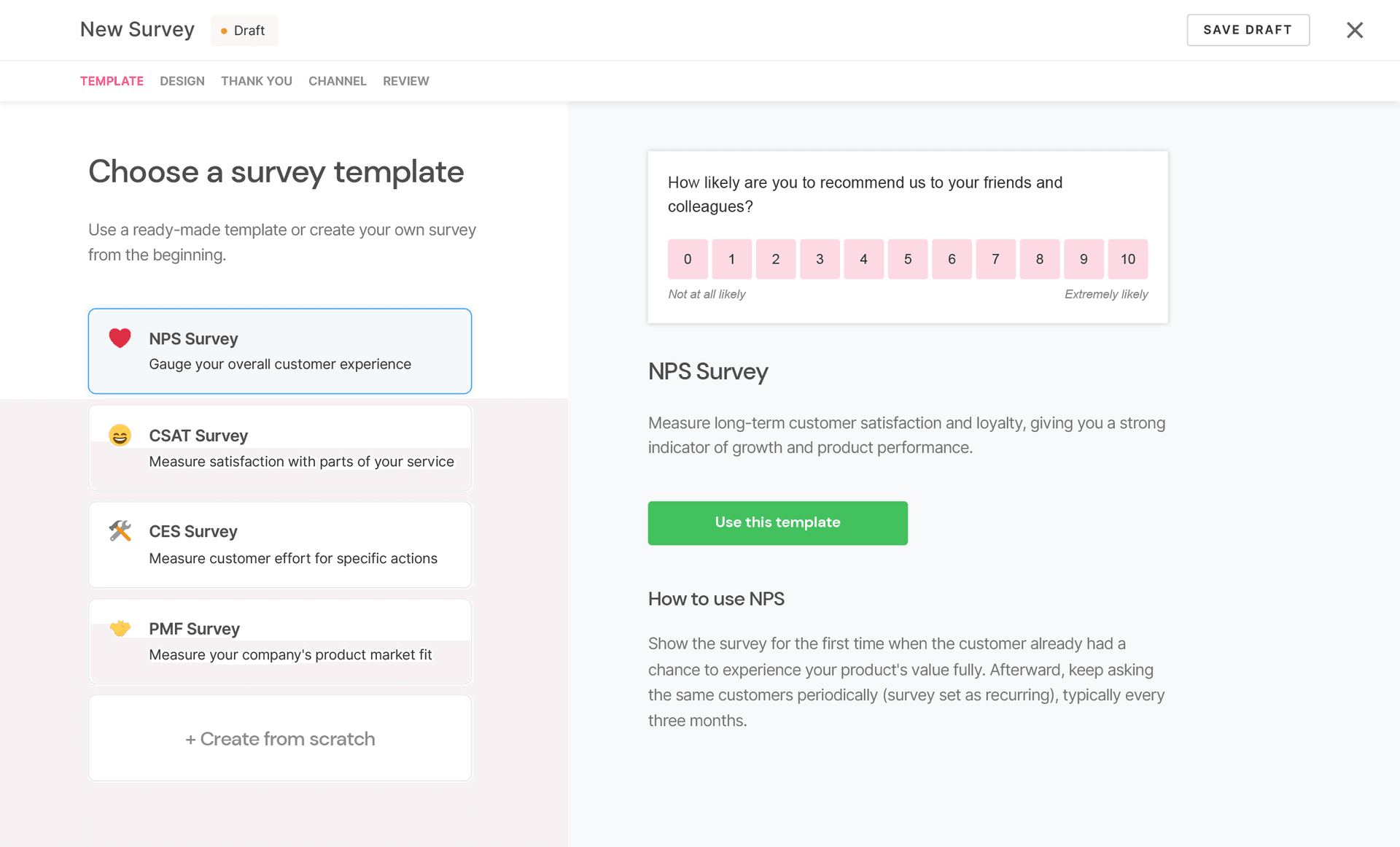
One of the lightest, fastest ways to start measuring NPS. SatisMeter gives you a single line of JavaScript code to paste into your website or web app. Within minutes, you can have a small, customisable NPS widget asking “How likely are you to recommend us?” The dashboard shows your current score, historical trend, and a list of responses with comments. That’s essentially it — no advanced segmentation, no AI, no omnichannel collection. This minimalism is a feature, not a bug, for early‑stage startups or small teams that want to establish a baseline NPS without any overhead. As you grow, you can always migrate to a more powerful tool, but SatisMeter gets you from zero to first response in the shortest possible time.
Pros:
- Extremely easy to start
- Quick collection and score tracking
- Low entry barrier
Who it’s for:
Small teams and startups that want to start measuring NPS right away.
FAQ
What is the best NPS software for small businesses?
Honestly, there’s no single right answer — it really depends on what you actually need. If you just want something dead simple to get started, tools like SatisMeter or Delighted are hard to beat. But if you’re thinking, “Hey, can I collect feedback AND grow my leads at the same time?” — then you might want to look at something like Marquiz, where surveys feel more like interactive quizzes. We’ve seen small teams double their response rates just by switching the format.
How often should you run NPS surveys?
There’s no magic frequency here. Some teams do it quarterly, others trigger a survey after a specific event (like finishing onboarding or hitting 30 days of usage). What we’ve learned from our own experience: consistency beats perfection. It’s better to send a survey every 3 months on the dot than to overthink the timing and end up sending nothing at all. Just pick a cadence and stick to it.
Is NPS enough to measure customer satisfaction?
To be honest, not really. NPS gives you a nice number, but it doesn’t tell the whole story. Plenty of times we’ve seen a decent score hiding real frustration in the open-ended comments. That’s why we always say: pair NPS with at least one qualitative follow-up question (“What’s the main reason for your score?”) and ideally some behavioral data. That’s when you actually understand what’s going on.
How do you increase your NPS score?
You don’t “optimize” the score directly — that’s the wrong goal. What actually works is fixing the stuff customers keep complaining about. In our experience, the biggest jumps happen when you respond personally to detractors, smooth out broken onboarding flows, or kill a recurring bug that everyone hates. Chase the root causes, not the number. The score will follow on its own.
Can NPS surveys generate leads?
Yes — but only if you design them that way. A dead-end survey (answer, then goodbye) won’t generate anything. But if you use an interactive format with branching logic, you can ask for an email, segment users on the fly, and even suggest a next step. We’ve done this ourselves, and it turns a simple loyalty check into a real lead generation channel. It’s not magic — just smart flow design.