Your site gets visitors — but no leads?
Add a quiz to your site and boost conversions by 30–40%
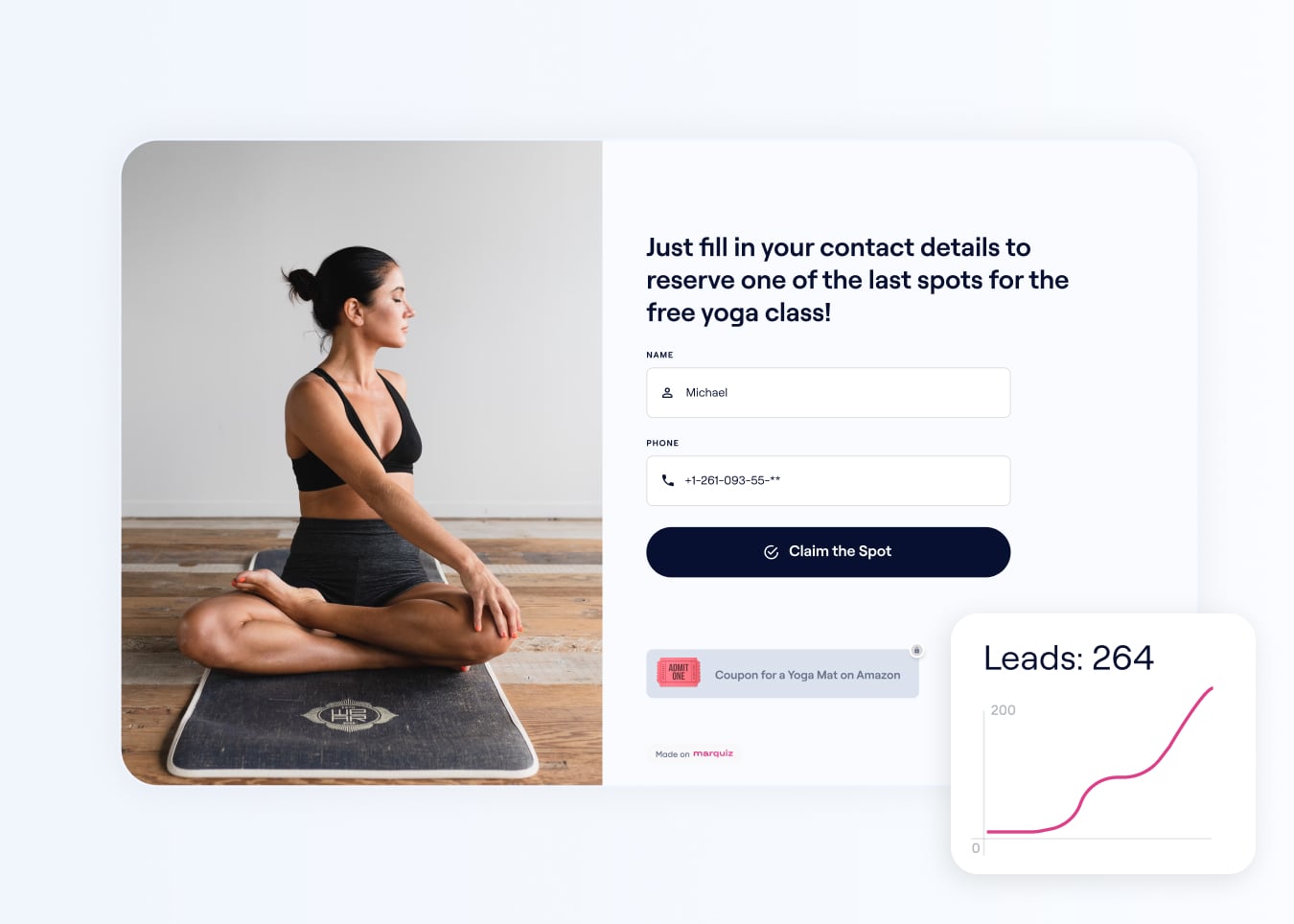

No tech skills required — just pick a template and go live

Build and test your quiz for free

Engage users and capture their preferences

Add your quiz to the site using one of 5 simple methods

Increase your conversion rate by 30–40% in any industry

Our team will help you set up everything in minutes
It’s free. Build your quiz in 15 minutes and publish it on your site
Trusted By Over 500,000 Users Worldwide
High ratings and a user satisfaction score of 5 on G2

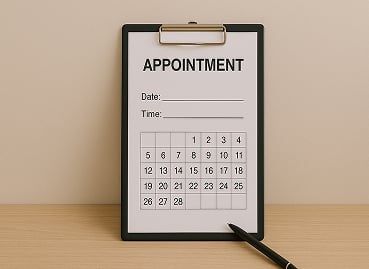
Customize ready-to-use templates for your business:



Here’s how your quiz will look:
Here’s how your quiz will look:
Open Sample QuizOn Desktop
On Mobile
Other ways to add your quiz to the site:
Other ways to add your quiz to the site:
Widget
Click to preview

Auto-Open
Click to preview
Banner
Click to preview
*when the button is clicked, the quiz will open for 4 seconds in the selected view
3 Steps to Turn Visitors into Qualified Leads
Your quiz talks to visitors, captures their needs, and delivers hot leads to your inbox. You just close the deal.
01
Build your quiz
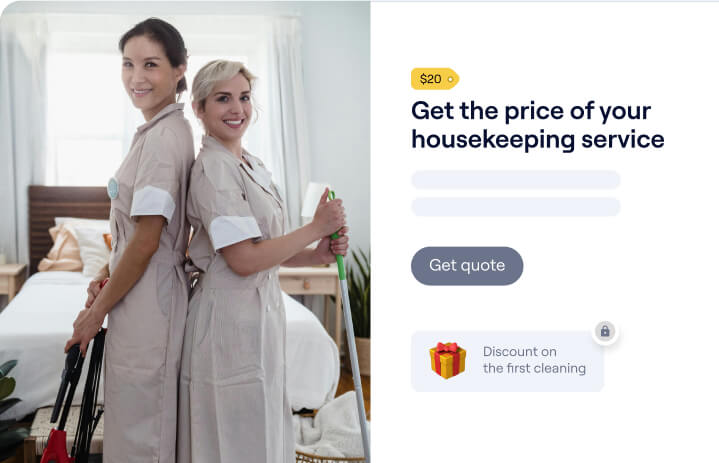
Ask the questions you’d normally ask your clients — and turn them into a quiz. Start from scratch, pick a template, or let AI generate one for you.
3 ways to build:

Build from scratch

Use a ready-made template

Generate with AI
02
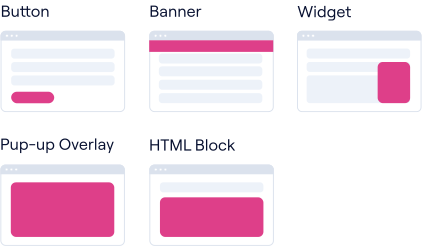
Add it to your site
Show your quiz as a button, banner, widget — or embed it right into the page.
The more visitors see it, the more leads you get.
03
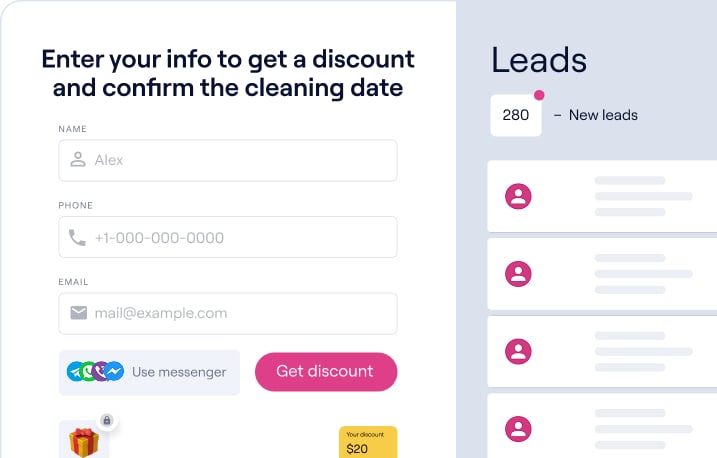
Start collecting high-quality leads
Your quiz will engage visitors right on the site. You’ll receive their contacts and answers in your dashboard or CRM. All that’s left is to follow up.
Create Your First Quiz
It’s free. Build quiz in 15 minutes and publish it on your site. Plus, get 10 bonus leads when you sign up.