How to show quiz outcomes depending on the number of certain answers
How to show the result A with more answers A, and the result B With more answers B
In some tests, there is a need to show a certain result. For example: if there were more answers A than there were answers B, or vice versa, if there were more answers B than there were answers A.
To create such a quiz, you need to:
1. Create questions in the quiz in the Questions tab.
For convenience, you can put a letter to each answer to understand which result it refers to.
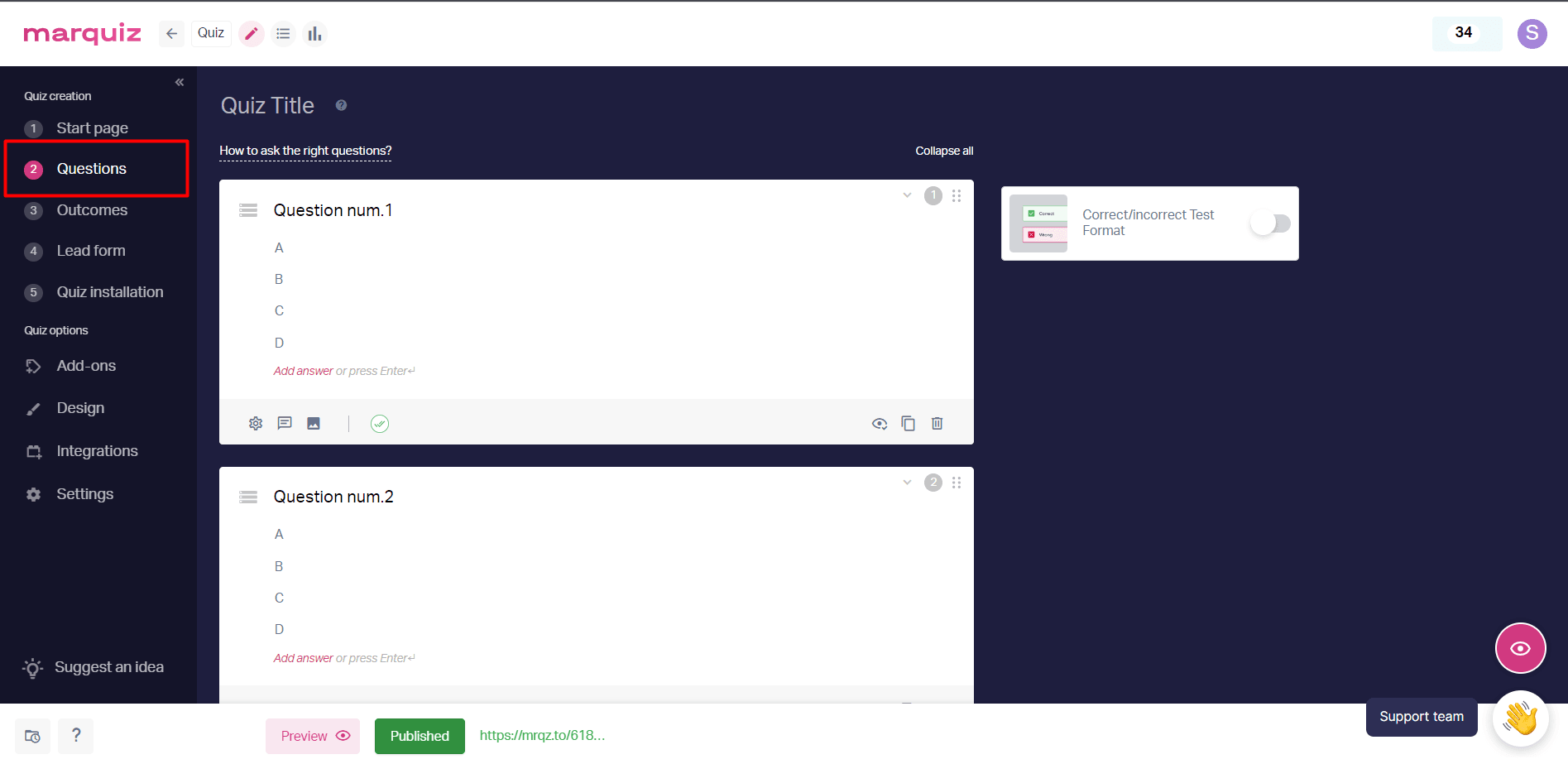
2. Create quiz outcomes in the Outcomes tab.
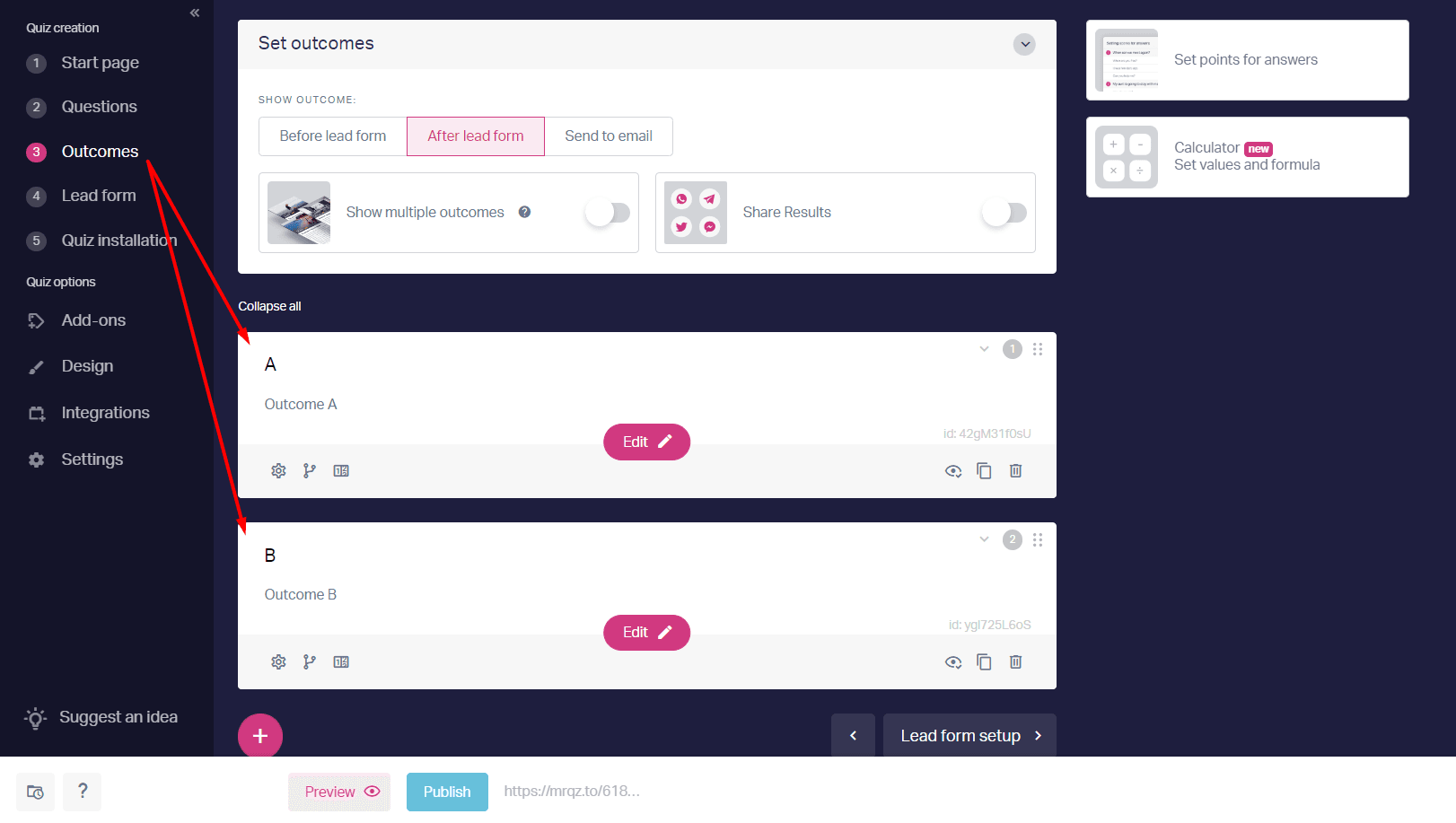
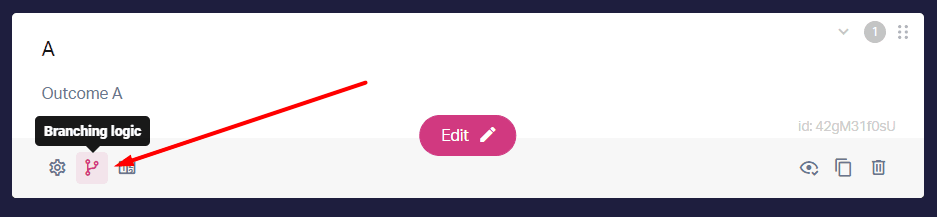
3. Click on the “Branching logic” button for the first outcome.
4. Create conditions and mark the answers that relate to this result.
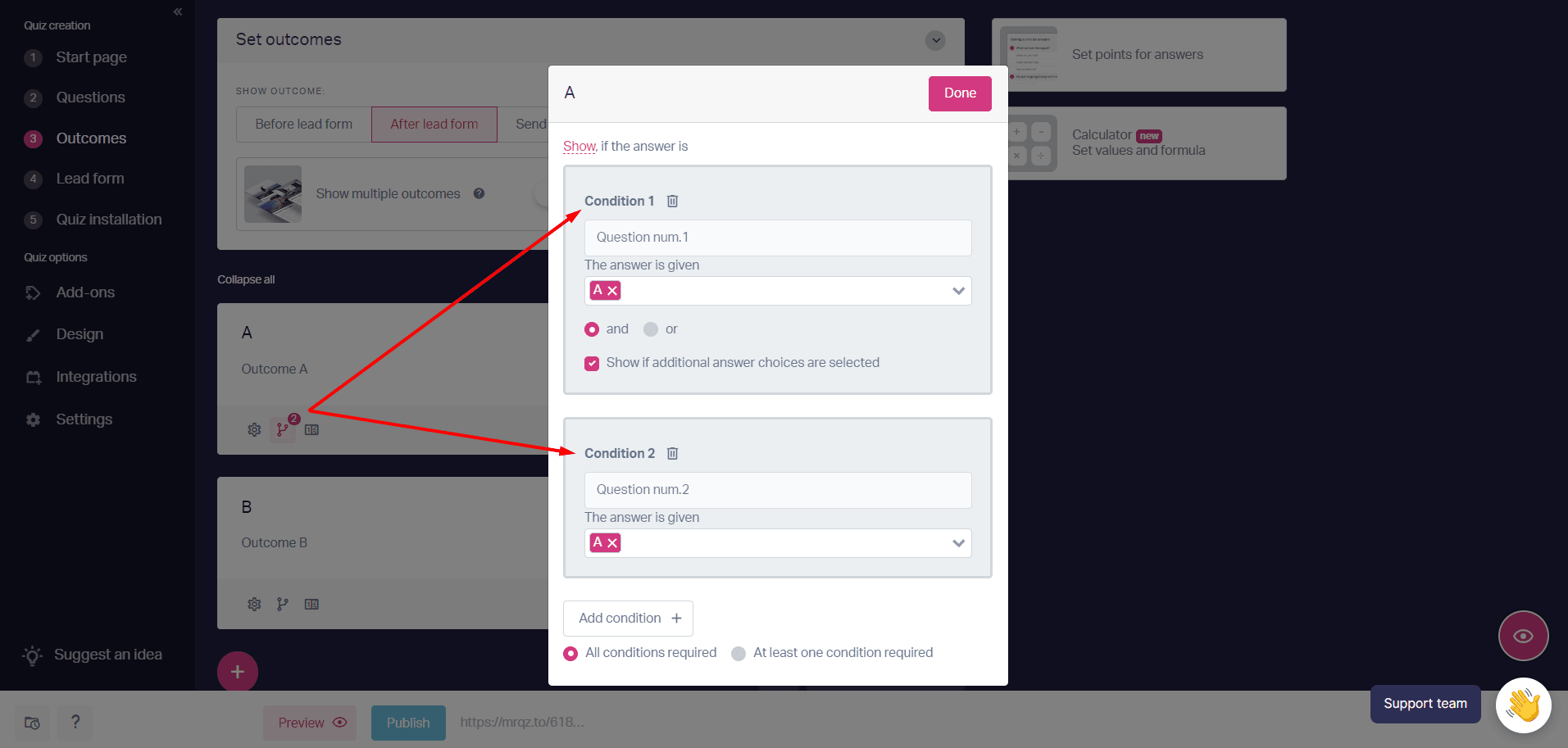
5. Mark the setting “at least one condition required”.
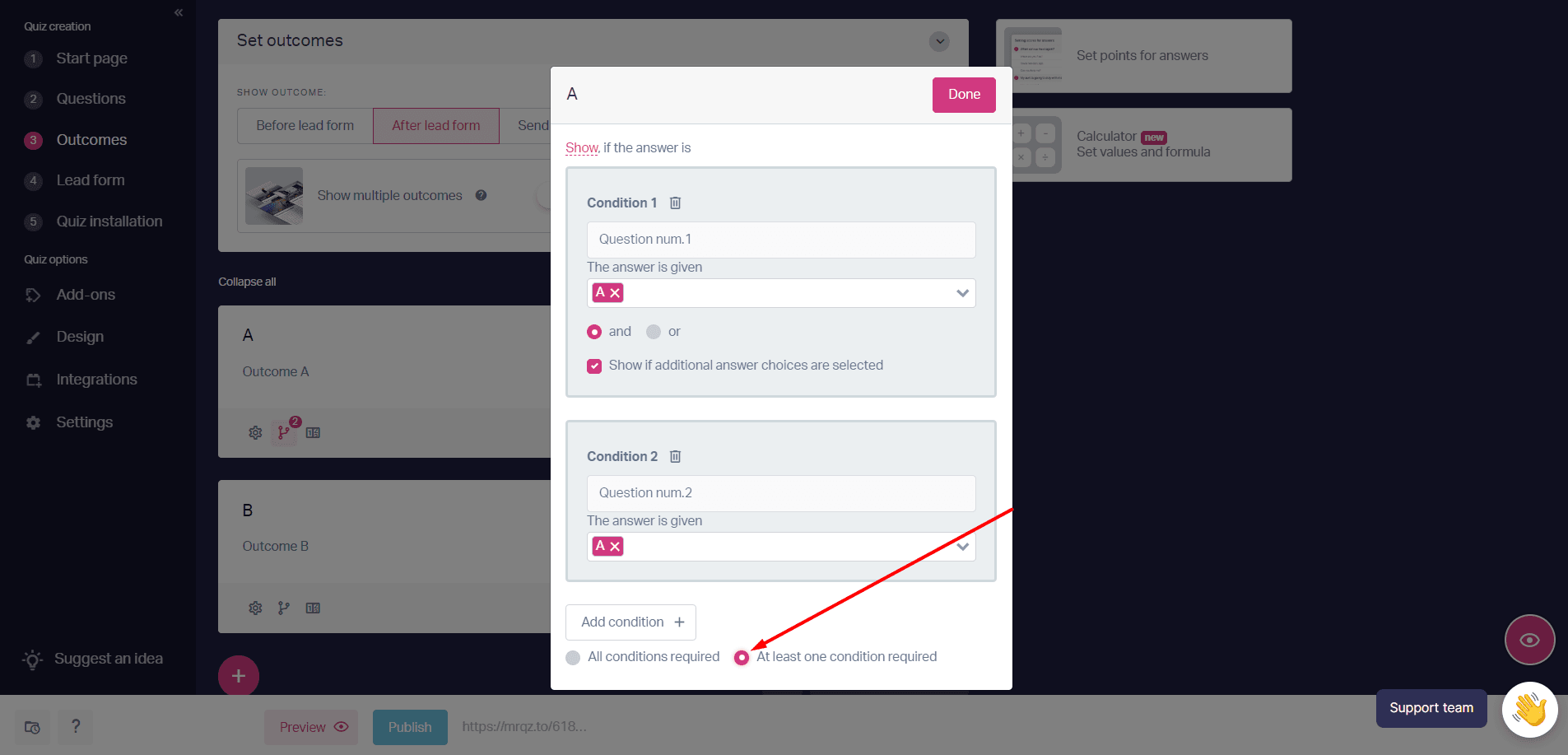
Now, if the client selects at least one answer, the result display condition will work.
6. Set up conditions for the remaining quiz outcomes and don’t forget to Publish the quiz.
Done! Now, when choosing the answers of two answers A and one answer B or C, the outcome A will be shown, since the answer A was chosen more often